
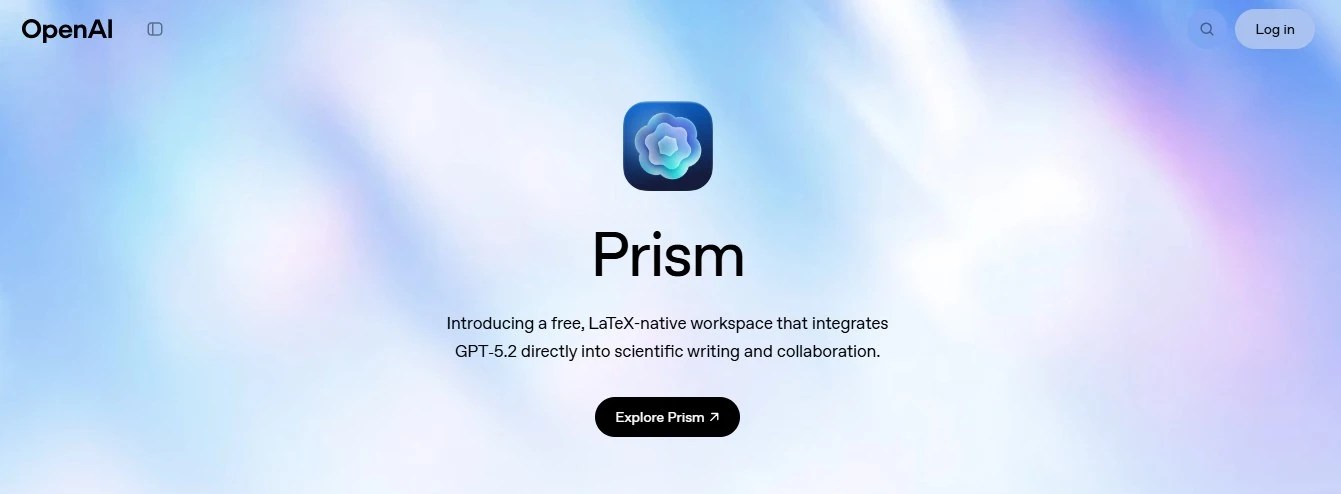
Prism by OpenAI is a free, LaTeX‑native workspace for scientists and researchers to write, edit, and collaborate on papers with GPT‑5.2 built directly into the workflow. Think of it as Google Docs plus Overleaf plus a powerful research assistant, all in one tab, purpose‑built for serious scientific work.
What Is Prism?
Prism is a cloud‑based environment where you draft and compile LaTeX documents, chat with an AI that understands your entire project, and collaborate in real time with co‑authors. It is available for free to anyone with a personal ChatGPT account, with unlimited projects and collaborators.
Key traits in plain language:
- LaTeX is the native format, so it fits seamlessly into existing academic workflows.
- GPT‑5.2 is tightly integrated, so it can reason over equations, citations, and the structure of your paper, not just loose text.
- Everything lives in the browser, so no local LaTeX installation or painful environment setup.
Advantages of OpenAI Prism
- Truly unified scientific workspace
- Deep AI integration into research workflows
- GPT‑5.2 can help with drafting sections, tightening prose, and suggesting alternative formulations while respecting the structure of your paper.
- It can reason over equations, citations, and figures, making it much more than a glorified spell‑checker.
- You can open chat agents that see the full context of your project, which makes literature suggestions and critique more grounded.
- Power tools for LaTeX and math-heavy work
- Turn whiteboard equations or hand‑drawn diagrams into LaTeX and publication‑ready figures, saving a lot of formatting time.
- Use AI to clean up formatting, fix compile issues, and automate tedious LaTeX tasks like figure placement or reference tweaks.
- Voice‑to‑code and image‑to‑code features can speed up converting ideas and sketches into working document content.
- Collaboration that feels modern
- On‑ramp to more ambitious AI‑driven science
- Prism is part of OpenAI’s broader “OpenAI for Science” push, aiming to accelerate discovery and help with tasks like exploring proofs or testing hypotheses.
- For many labs, it can be a practical, low‑friction first step into using AI deeply in the scientific process, not just for emails and summaries.
Limitations & Things To Watch Out For
- Still early, with evolving features
- Not a replacement for scientific rigor
- LaTeX‑centric, which may not suit everyone
- Data, privacy, and platform lock‑in concerns
- Requires ongoing human oversight and time
Best Suited For & Practical Use Cases
Who will benefit the most?
- Researchers and PhD students in math, physics, CS, engineering, and other LaTeX‑heavy domains who already live in LaTeX editors.
- Lab heads and supervisors managing multiple co‑authors or student projects who want a single place where everyone writes and comments.
- Educators designing technical courses who need to generate lecture notes, problem sets, and exam questions with proper notation and references.
Concrete ways you can start using Prism:
- Take an existing Overleaf project, copy the LaTeX into a new Prism project, and let GPT‑5.2 clean up structure, transitions, and notation consistency.
- Use Prism’s AI to draft the first pass of your introduction or related‑work section, then refine and verify every claim manually.
- Sketch a figure or equation on a tablet or whiteboard, then convert it to LaTeX and a publication‑ready diagram you can drop into your paper.
- Open a chat agent dedicated to “literature scout” inside your project, asking it to suggest papers and summarize them, while you independently check all citations.
- For teaching, spin up a project per course and have Prism help you generate problem sets, hints, and solutions in LaTeX format.
Pricing
Prism is currently free to use for anyone with a personal ChatGPT account, with no limits on projects or collaborators. OpenAI has indicated that it will roll out organizational access for ChatGPT Business, Team, Enterprise, and Education plans in the future, which may introduce advanced or paid capabilities for institutions.
Alternative Tools
If you like the idea of Prism but want to explore options, here are some tools worth checking out:
- Overleaf for a mature, collaborative LaTeX editor with rich template support (you can pair it with external AI tools).
- Notion for flexible research notes, lightweight writing, and simple AI assistance, especially in the early ideation phase.
- Scrintal or similar visual knowledge‑management tools if your focus is on idea mapping before you commit to LaTeX.
- Zotero combined with a LaTeX editor for reference management and citation workflows if you prefer a more modular tool stack.
- AI‑native research environments like K‑Dense Web that focus more on task execution and experimentation rather than writing itself.
 Just Being Resourceful!
Leave a comment