
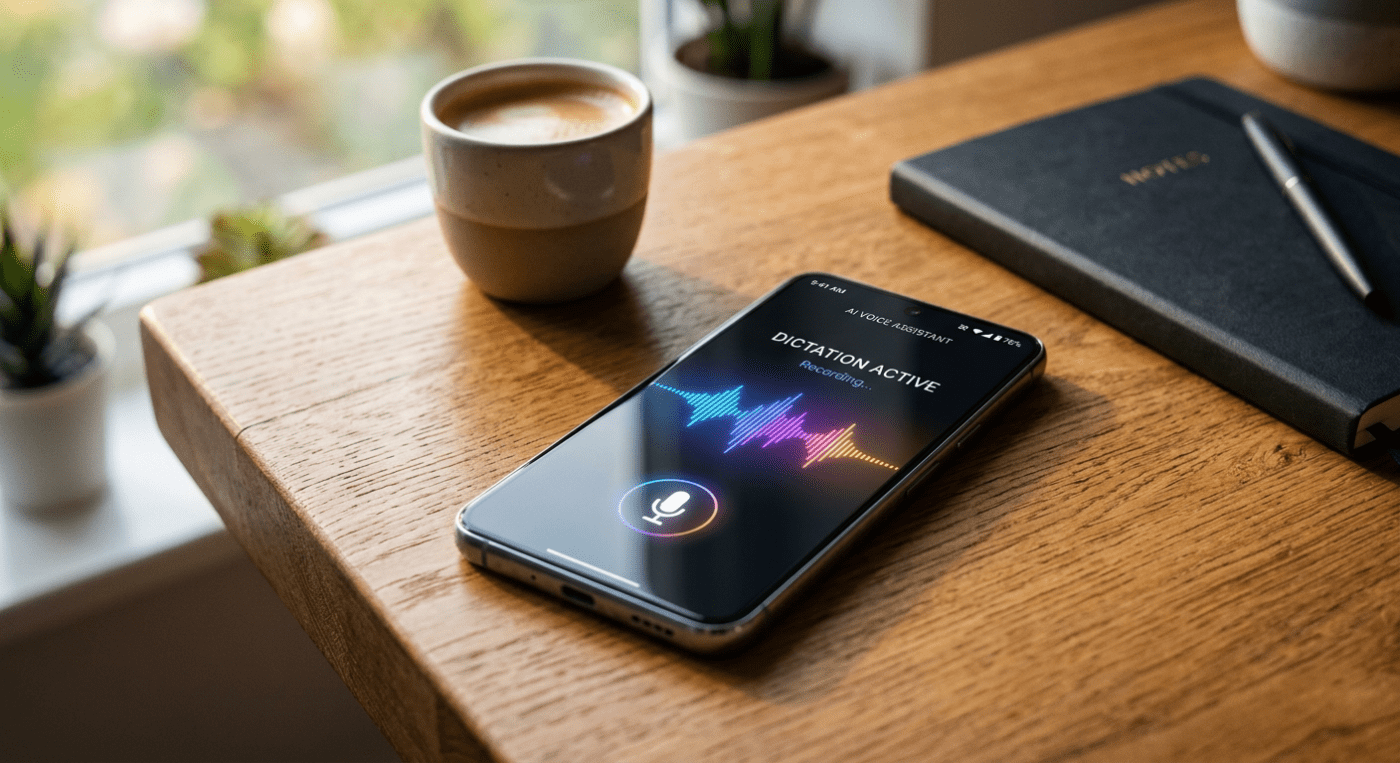
Google dropped a new app last week and said absolutely nothing about it. No blog post. No press release. No announcement tweet. It just appeared in the App Store on April 6, 2026, and let the internet figure it out.
The app is called Google AI Edge Eloquent, and if you dictate notes, emails, or ideas on your iPhone, this might be the most useful free tool you install this month.
Early spoiler alert: Android users might have to wait longer!
So What Exactly Does It Do?
Here’s the short version: you speak, it listens, and what comes out the other end is clean, readable text. Not a messy transcript full of “ums” and “likes.” Actual polished text.
The app uses Gemma-based speech recognition models that run directly on your iPhone. Once you download those models, you don’t need Wi-Fi or mobile data to use it. Everything happens on your device.
You open the app, tap to start recording, and you’ll see your words appear in real time. When you pause, the magic happens. The app automatically strips out filler words like “um,” “uh,” and mid-sentence stumbles, and what’s left is cleaned-up prose that’s ready to copy and paste wherever you need it.
The Features Worth Knowing About
Beyond the core transcription, here’s what makes Eloquent genuinely useful on a day-to-day basis:
- Four transformation modes: After transcription, you can hit “Key Points” to get a bulleted summary, “Formal” to make the language more professional, “Short” to condense it, or “Long” to expand it.
- Fully offline mode: Everything stays on your phone. Your audio never touches a server. This is huge if you’re in a meeting, on a flight, or working with anything sensitive.
- Optional cloud mode: If you want more polished cleanup, you can switch on cloud mode and Google’s Gemini models handle the text refinement. Your call.
- Custom vocabulary: You can manually add names, technical jargon, or brand names so the app gets them right. Optionally, it can also pull frequently used words from your Gmail history to build a personal dictionary automatically.
- Transcription history: Every session is saved. You can search through past dictations, see how many words you spoke, and track your words-per-minute speed.
- Completely free: No subscription. No usage cap. No paid tier needed to unlock offline mode.
Why This Matters
Let me give you some context. The two biggest dictation apps on iPhone right now, Wispr Flow and Willow, both cost around $15 a month. They work well, but they send your audio to cloud servers (OpenAI’s and Meta’s, respectively) to process it. SuperWhisper, which is the most popular offline option, costs $85 a year and is only available on Mac.
Eloquent is free. It works on your iPhone. It works offline. That combination did not exist before last Sunday.
Even Apple’s own built-in dictation, which is free, doesn’t remove filler words, doesn’t transform your text, and doesn’t learn your vocabulary. Eloquent does all three.
One Thing to Note
The app launched on iOS first, which is unusual for Google. Android is their own platform, so leading with an iPhone release signals this is still an experiment, not a finished product rollout.
The App Store listing does mention an Android version is coming, including the ability to set it as your default keyboard across all apps and a floating button for quick access anywhere on your phone, similar to how Wispr Flow works on Android.
But for now, this is iOS only. If you have an iPhone, it’s available right now in the App Store.
How to Get Started
Getting up and running takes about three minutes:
- Open the App Store on your iPhone and search for “Google AI Edge Eloquent”
- Download and install the app (it’s free)
- On first launch, download the Gemma-based ASR models when prompted (this is a one-time download needed for offline use)
- Decide whether you want offline-only mode or cloud mode. You can toggle this anytime from the top-right corner of the screen
- Optionally, sign in with your Google Account if you want the app to import vocabulary from your Gmail
- Start speaking. Hit pause when you’re done, and your cleaned-up text is ready to copy
That’s it. No account required if you skip the Gmail integration. No payment screen. No free trial countdown.
The Bigger Picture
Google released this under its Google AI Edge brand, the same initiative that gives developers tools to run AI models locally on devices rather than in the cloud. Eloquent is essentially a real-world demo of what on-device AI looks like when it’s applied to something practical.
What this really means is that the argument for paying $15 a month for a dictation app just got a lot harder to make. Whether Google continues to update and support it is a fair question, given their track record with apps. But right now, the app exists, it’s free, and it works without internet.
If you’ve been on the fence about trying voice dictation as a productivity habit, this is the easiest possible entry point.
Download Google AI Edge Eloquent from the App Store and give it a try.
 Just Being Resourceful!
Leave a comment