
Think about the last time you used ChatGPT or Perplexity to look something up. Maybe it was a product recommendation. A tool comparison. A service you needed in a hurry.
You typed in your question, got a clear answer back, and either clicked through to one of those sources or just used the information directly. No scrolling through ten blue links. No deciding which result looked trustworthy. Just an answer.
Now flip the script. Someone in your industry just asked an AI tool which brands they should look at. Are you being mentioned? Are you being recommended? Or are you being left out entirely while your competitors get the nod?
Most businesses genuinely do not know. And that gap between not knowing and knowing is exactly what Trackerly.ai is built to close.
A Quick Word on Why This Matters Now
Traditional SEO is not dead. But it is no longer the whole game.
Search behaviour is shifting. A growing number of people, especially for research, comparison, and discovery tasks, are bypassing Google’s results page entirely and going straight to AI tools for answers. ChatGPT, Gemini, Perplexity, Claude, Google AI Mode, Google AI Overviews. The list keeps growing, and so does the traffic flowing through them.
Here is the part that catches most people off guard. These AI tools are not neutral. They decide whose brand gets mentioned, whose gets cited, and whose gets skipped. That decision is based on how well your brand is understood by these models, what sources they trust, and how clearly your content answers the questions people are actually asking.
The practice of optimising for this is called GEO: Generative Engine Optimisation. And tracking your GEO performance is what Trackerly was built to do.
What Trackerly Actually Is
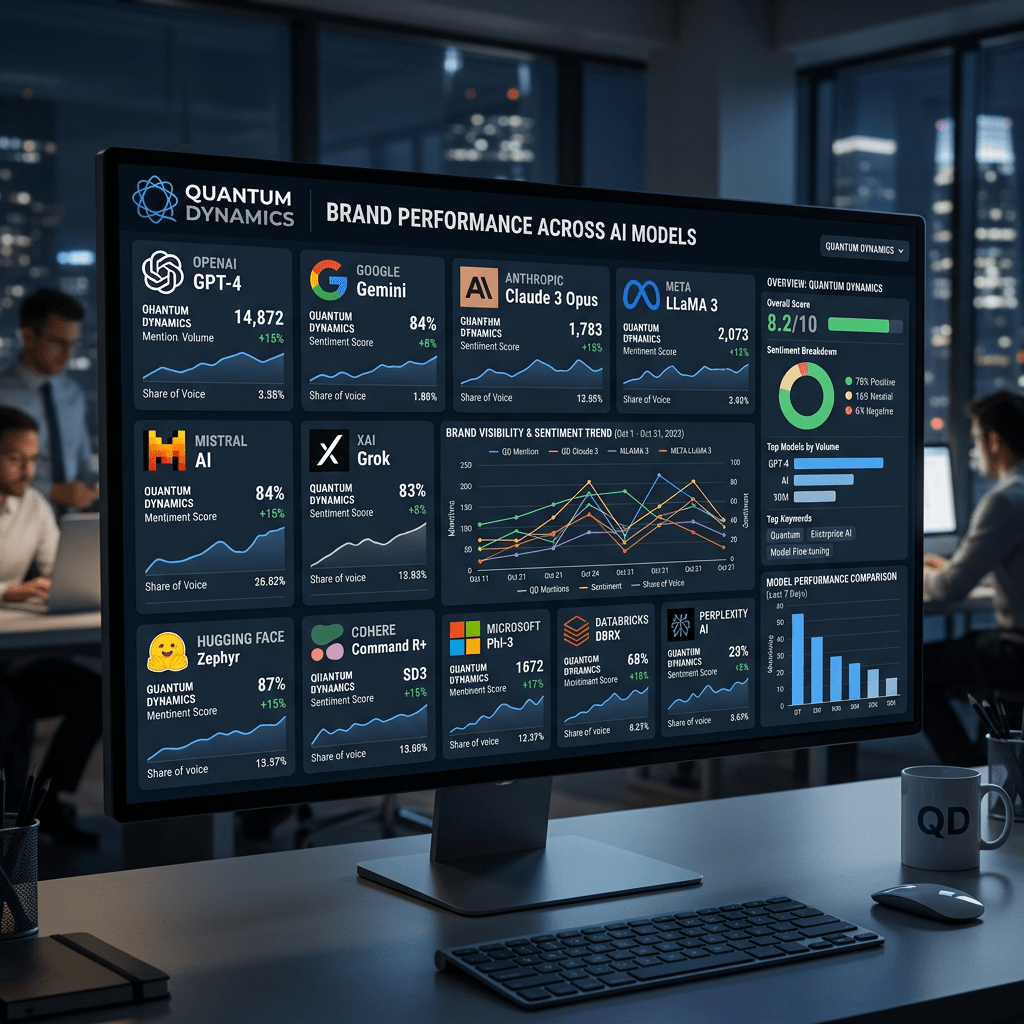
Trackerly.ai is a GEO platform that lets you monitor how your brand shows up in AI-generated responses, every day, across multiple AI models and languages. You define the prompts that matter to your business. Trackerly runs them regularly across the AI platforms you care about and brings back the data: whether you were mentioned, where you appeared, what the sentiment was, and which sources the AI cited.
It is used by leading agencies and brands who want to stop guessing about their AI visibility and start measuring it properly.
What sets it apart is the combination of genuine model coverage, transparency about exactly which model version generated each response, and a credit-based system that gives you real control over what you track and how often.
How Trackerly Works: The Five Steps
Trackerly is built around a clear, practical workflow. Here is how the whole thing fits together.
Step 1: Define what you are tracking
You start by telling Trackerly what matters. Your brand name, your competitors, the questions your customers are actually typing into AI tools. You can also set localisation settings, which is genuinely useful if you operate across multiple markets. Then you choose which AI models to run your prompts through, and at what frequency.
Step 2: See how you show up in AI responses
Trackerly runs your prompts across the models you selected and tracks four key metrics: Mentions (was your brand referenced at all?), Share of Voice (how often versus your competitors?), Relative Position of First Mention (how early in the response did you appear?), and Sentiment (was the reference positive, neutral, or negative?). These are tracked over time so you can see trends, not just snapshots.
Step 3: Analyse citations
This step is genuinely underrated. When an AI tool answers a question and cites its sources, those citations tell you exactly which websites and content pieces are shaping what AI says about your category. Trackerly maps this out so you can see which sources carry weight, where your competitors are being cited instead of you, and where the blind spots are. One important detail worth highlighting: Trackerly only uses each model’s native search feature to gather citations. It does not feed a third-party search result into an LLM to generate a synthetic response. What you see is what a real user would see.
Step 4: Customise your reports
Data is only useful if you can make sense of it and share it. Trackerly lets you filter results by a wide range of parameters and assemble client-ready reports that tell a clear story. If you are an agency, this is the part that turns raw tracking into something your client can actually act on.
Step 5: Connect to your other tools
Trackerly has an API that lets you pipe its data into your own dashboards, internal tools, or customer-facing systems. If you are already running analytics or reporting infrastructure, you do not have to live inside Trackerly’s interface to get value from it.
Which AI Models Does It Track?
This is one of the stronger parts of Trackerly’s offering. As of now, it covers seven models:
- ChatGPT (with web search)
- Perplexity (with web search)
- Gemini
- Google AI Mode (with web search)
- Google AI Overview
- Claude
- DeepSeek
Models that include web search also come with live citation tracking, which gives you a much richer picture of what is actually driving AI responses in your category.
One thing worth calling out specifically: Trackerly shows you the exact model version used for every response it collects. That level of transparency is rare. Most tracking tools tell you “ChatGPT said X” without specifying whether that was GPT-4o, GPT-4.1, or something else entirely. That distinction matters when models behave differently and you are trying to understand why your numbers shifted.
The Credit System: How Pricing Actually Works
Trackerly uses a credit-based pricing model, and it is worth understanding before you sign up so there are no surprises.
Each prompt run costs a certain number of credits depending on which model you use. Here is the breakdown:
- Claude, Gemini, DeepSeek: 1 credit per run
- ChatGPT (with search), Google AI Overview: 2 credits per run
- Google AI Mode: 5 credits per run
- Perplexity: 4 credits per run
The credit cost reflects the real cost of querying those models. More capable search-enhanced models cost more to run. You can configure your model selection and run frequency on a group-by-group basis, so you are not locked into a one-size-fits-all setup.
The Growth plan runs at $97 per month and covers up to 42,000 credits. All plans come with a 7-day free trial. For context, Trackerly claims you save up to 66% per prompt tracked compared to other platforms.
You can check full pricing at trackerly.ai/pricing.
How to Get Started: Step by Step
Here is the practical walkthrough for getting your first tracking set up.
Step 1: Start your free trial
Head to trackerly.ai/pricing and pick a plan. All plans include a 7-day free trial. No elaborate setup required upfront.
Step 2: Set up your first prompt group
A prompt group is a set of related questions you want to track together. For your first group, start with the most obvious ones: “What is [your brand]?”, “Best [your category] tools in 2026”, and “[your brand] vs [top competitor]”. Keep it to five to ten prompts to start. You can always expand later.
Step 3: Add your keywords
Each prompt group lets you track up to 20 keywords or phrases. Add your brand name, your competitors’ names, and any category terms you care about. These are what Trackerly watches for inside each AI response.
Step 4: Choose your models and run frequency
Pick the AI models most relevant to where your customers actually search. If you are not sure, start with ChatGPT and Perplexity since they have the most search-driven behaviour, then add Gemini and Claude. Set a run frequency that makes sense for how fast your category moves. Every other day is a reasonable starting point for most businesses.
Step 5: Set your localisation
If you operate in specific markets, anchor your prompts to those geographies. Trackerly supports over 60 countries. This matters because AI responses can vary significantly based on location, and tracking a US-centric view of your brand when your customers are mostly in Europe or Asia will give you a skewed picture.
Step 6: Read your first results
Once your prompts have run, check four things: Are you being mentioned at all? Where in the response do you appear first? What is your share of voice versus competitors? And which sources is the AI citing when it answers questions in your category? These four data points tell you a lot about where you actually stand.
Step 7: Look for the gaps and act on them
Find the prompts where your competitors show up and you do not. Those are your priority gaps. For each one, ask: does my website clearly answer this question? Is there a source in my category that gets cited regularly that I could earn coverage in? Is there content missing from my site that would make me a credible answer to this prompt? Then go fix it and re-track in a few weeks.
What to Actually Do With the Data
Tracking is only useful if it leads to action. Here is what to focus on once you have your baseline data.
If you are not being mentioned at all on key prompts, the issue is usually one of two things. Either the AI does not have enough reliable information about you to include you in its answers, or your content does not directly address the questions being asked. Start by writing clear, factual content about what your product does, who it is for, and how it compares to alternatives.
If you are being mentioned but deep in the response, you are on the map but not yet the go-to reference. Work on building more citation sources. Get covered in comparison articles, roundups, and industry guides. The more frequently you appear in the sources AI trusts, the earlier you will start showing up in responses.
If your sentiment is mixed or negative, that is the most urgent thing to address. Read what the AI is actually saying about you. If it is picking up outdated information, a mischaracterisation, or a known complaint, address that directly in your own content.
And if you notice a competitor consistently outperforming you on specific prompts, look at what sources are being cited in those responses. That citation map tells you where your competitor has earned trust that you have not yet, and gives you a concrete list of places to target.
The Bigger Picture
The way people find information is changing. It is not a dramatic shift, and it is not happening overnight. But it is real, and it is measurable.
More people are using AI tools as their first stop for research and discovery. And those AI tools are not showing them ten results to choose from. They are giving one synthesised answer. If your brand is part of that answer, you benefit. If it is not, someone else does.
Trackerly gives you an honest, transparent look at where you stand. No inflated claims. Just the actual data on whether AI is talking about your brand, how it is positioning you, and where the gaps are. From there, you can make informed decisions about your content and visibility strategy.
The 7-day free trial is a low-friction way to get your baseline. Set up five prompts, run them across two or three models, and see what comes back. That first look at your real AI visibility is almost always useful, even if what you find is reassuring.
Start here: trackerly.ai
If this was useful, share it with a marketer or founder who is still only tracking their Google rankings. The brands paying attention to AI visibility right now are building an early advantage that will be very hard to close later.
Have you tried tracking your brand in AI tools yet? What did you find? Drop a comment below. I would love to hear what you are seeing in your category.


Leave a Reply