
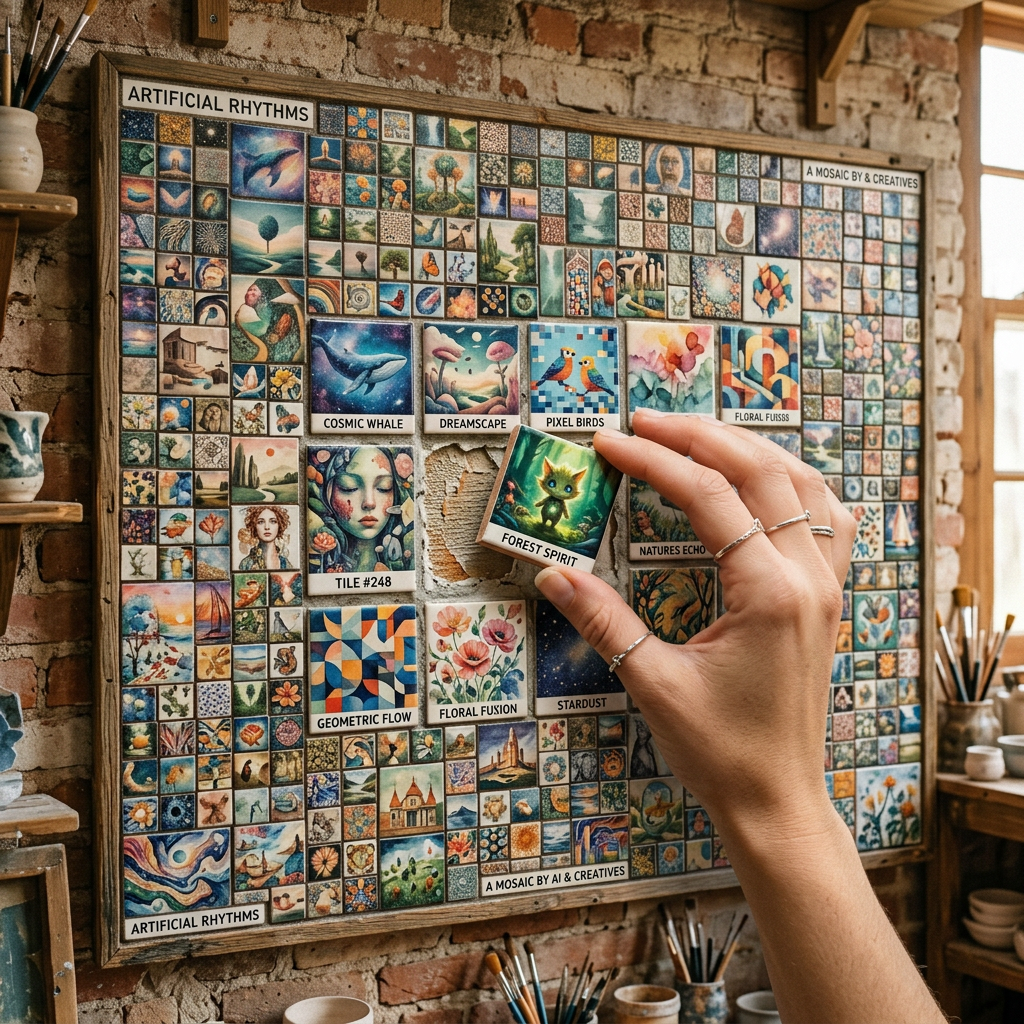
There is a free site that works like Pinterest, except every pin hands you the exact prompt that made the image. You scroll, you find a style you love, you copy the words, you paste them into your image generator. That is the whole loop.
The site is called MeiGen, and it solves the most annoying part of using AI image tools. You know the feeling. You see a stunning AI poster on X, you think “I want that look,” and then you spend twenty minutes guessing at words like “cinematic” and “8K” and “studio lighting” hoping something sticks. MeiGen skips the guessing. The prompt is already written, tested, and sitting right under the image.
Here is the thing. Prompting is the real skill in AI image generation, and most people never get good at it. MeiGen lets you borrow the skill of thousands of people who already did. Let’s break down how it works and how to actually use it.
What MeiGen actually is
MeiGen is a free, searchable gallery of AI image and video prompts. Think of it as a feed of finished generations where each one carries its full recipe. You browse product shots, editorial fashion posters, cinematic portraits, anime key visuals, abstract art, 3D figurine styles, clay aesthetics, whatever direction you are chasing. Click any image and the complete prompt is right there, ready to copy.
The prompts are organized by the model that made them. You can filter for GPT Image, Nano Banana (Google’s image model), Midjourney, and more. So if you already know which tool you are working in, you can jump straight to prompts built for it.
One quick correction worth making, since you might have seen this floating around in videos. A few clips claim you can paste these into GPT-4. That is not quite right. GPT-4 is a text model. The prompts here are for image and video generators like GPT Image, Nano Banana, and Midjourney. Paste them into the right kind of tool and you get the picture. Paste them into a chat-only model and you just get a description of a picture.
The part most people miss: the video prompts
MeiGen does not stop at still images. It also has a section of video prompts, including ones built for Seedance 2.0, ByteDance’s video model that launched in February 2026 and went viral almost overnight for producing near cinema-quality clips from plain text. These prompts come with camera moves and lighting already written in, which matters more than it sounds.
If you have ever tried to generate video, you know the motion is the hard part. A still prompt describes a scene. A video prompt has to describe a scene and how the camera behaves, how the light shifts, how the subject moves. Getting that right from scratch is fiddly. MeiGen’s video prompts hand you motion-ready language, so if you are making Reels, Shorts, or TikToks, you can start from something that already moves the way you want.
Worth knowing: Seedance 2.0’s global rollout has been bumpy. ByteDance paused the worldwide launch after studios sent cease-and-desist letters over copyright, then started quietly expanding access through CapCut and Dreamina across more regions. So availability depends on where you are and which platform you use. The prompts on MeiGen still work as a starting point for any capable video model you can access.
How to use MeiGen, step by step
This takes about two minutes. No account, no card, no download.
- Open the site. Go to meigen.ai. You land straight on the gallery. No sign-up wall.
- Find your style. Scroll the feed or use the model filters at the bottom (GPT Image, Nano Banana, Midjourney, Seedance video). Hunting for a fashion poster? A figurine? A moody portrait? Keep scrolling until something stops your thumb.
- Open the prompt. Click the image. You get the full prompt text, the model that made it, and who created it.
- Copy it. Grab the prompt with one click.
- Paste it into your generator. Drop it into the matching tool. A GPT Image prompt goes into ChatGPT’s image generator. A Nano Banana prompt goes into Google Gemini. A Midjourney prompt goes into Midjourney.
- Tweak and rerun. Swap a noun, change the color, adjust the mood. Now you are not guessing from zero, you are editing something that already works.
Why this is actually useful
The value here is not the free images. It is the reverse-engineering. Every prompt is a small lesson in what good prompting looks like. Read enough of them and you start noticing patterns: how people describe lighting, how they specify aspect ratio, where they put the style cue, how much detail is too much.
So MeiGen does two jobs at once. Short term, it gets you a result fast by letting you copy something proven. Long term, it teaches you the structure of strong prompts, so eventually you write your own without thinking about it. That is the part worth slowing down for.
The honest limitations
It is not magic, and a few things are worth setting straight before you dive in.
- Same prompt, different result. AI image models are not deterministic. Paste the exact prompt and you will get something in the same spirit, not a pixel-perfect copy. Treat the original image as a target, not a guarantee.
- Model matters. A prompt tuned for GPT Image may land differently in Midjourney. Match the prompt to the model it was built for, or expect to do some adjusting.
- You still need access to the generators. MeiGen gives you the words for free. The actual image or video tool may have its own limits or paid tiers.
- Copyright is a live issue. Some viral styles imitate real artists, brands, or movie looks. That is legally murky, especially commercially. Use prompts that describe a style, not ones trying to clone a specific protected character or person.
The smart way to use it
Do not just copy and post. Build a small swipe file. When you find a prompt structure you like, save it and reuse the skeleton with your own subject. A poster prompt that nails composition can be reused a hundred times by swapping what is in the frame. That is how you go from borrowing prompts to owning a repeatable style of your own.
Pair it with a free generator and you have a genuinely zero-cost creative pipeline: find the prompt on MeiGen, generate in Gemini or ChatGPT, refine in a conversational loop until it is exactly right.
The people making the best AI images right now are not more creative than you. They just stopped guessing. MeiGen hands you the cheat sheet. Go take it.
Sources
- MeiGen prompt gallery, meigen.ai
- ByteDance Seed, Official Launch of Seedance 2.0, seed.bytedance.com
- TechCrunch, ByteDance reportedly pauses global launch of its Seedance 2.0 video generator
- AFP via AOL, ByteDance quietly rolls out Seedance 2.0 globally
- getimg.ai, What is Seedance 2.0? ByteDance’s AI Video Model Explained


Leave a Reply