
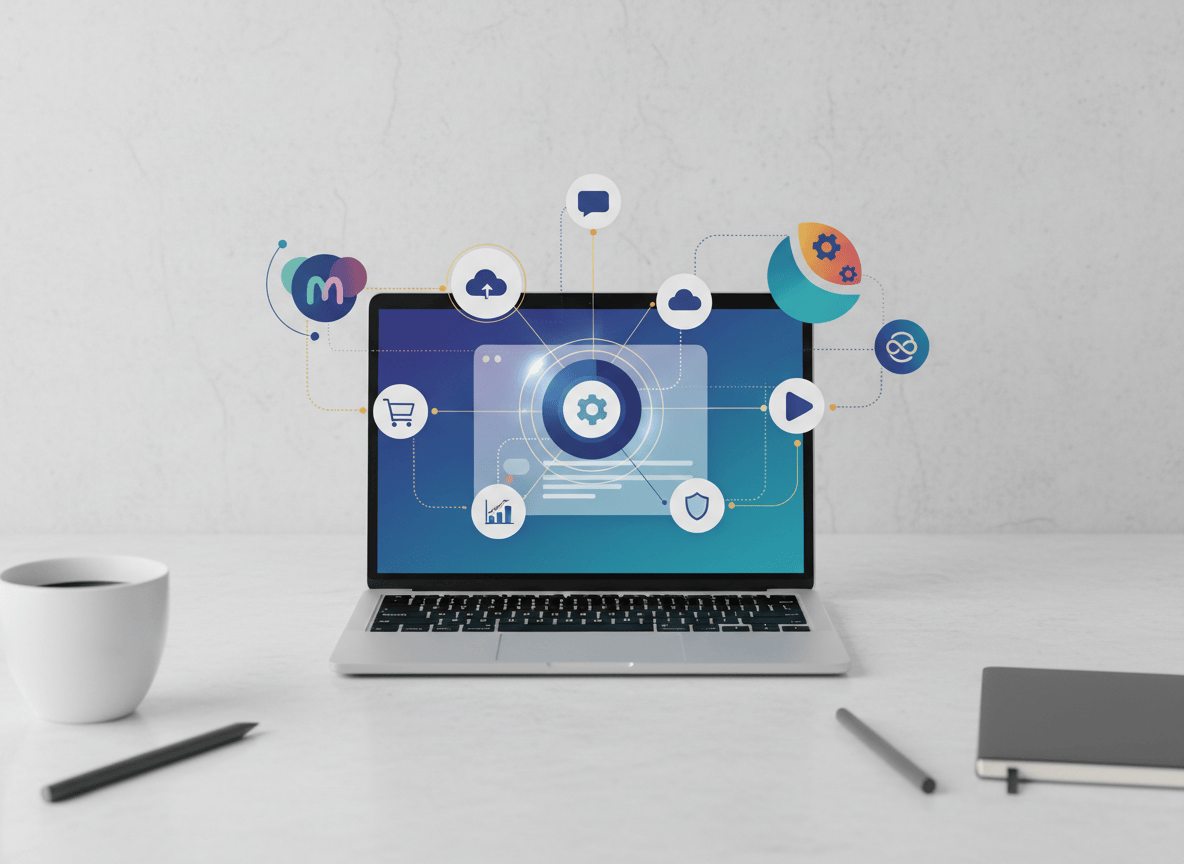
If you run a small business, you are also the accountant, the social media manager, the customer support desk and the person who answers email at 9 pm. On September 29, 2026, Meta announced Muse for Small Business, an AI agent that plugs into the tools you already use and takes some of that work off you. Here is what it connects to, five jobs worth handing over first, how to set it up, and where it can let you down.
Muse itself is only a few weeks old. Meta launched the personal agent on September 8, and it has since topped the app charts in the US and Canada ahead of ChatGPT, according to TechCrunch. This new version points the same agent at the messy, unglamorous work of running a shop, a studio or a service business.
What Meta Actually Announced
Muse for Small Business is not a separate app. It is a set of new skills and connectors added inside Muse. You give it a goal, such as finding new customers or putting together a growth plan, and it works toward that goal using the accounts you link. Meta’s announcement says owners told the company they have more ideas than hours, and this is its answer to that.
Three details matter most:
- It starts with context. Once you connect your Instagram professional account, Facebook Page and Meta ad account, Muse already knows what you sell, how your brand sounds and what customers keep asking.
- You stay in charge. Meta says nothing publishes, sends or spends without your approval.
- Pricing is free to start. It is free with usage limits, and heavier users can buy a subscription. Meta has not shared small business pricing, per TIKR’s coverage. For reference, the consumer app was reported at launch to offer paid tiers at $20 and $100 a month.
The launch is also part of a bigger push. The day before, Meta introduced a Meta Enterprise Platform and hired MongoDB CEO Chirantan Desai to run it. Small business is the friendly front door to a much larger bet on selling AI to companies.
What Muse Can Connect To
This is where the product either earns its place or does not. An agent that cannot see your store, your books or your team chat is just another chatbot. According to Meta and TechCrunch, the launch list looks like this:
| What you need done | Connectors |
|---|---|
| Sell and get paid | Shopify, Stripe, HighLevel, Klaviyo |
| Track the money | Intuit QuickBooks |
| Run the team and the work | Slack, Asana, Notion, Zoom, Granola |
| Store and share files | Box, Dropbox |
| Design and build | Canva, Figma, Lovable |
| Meta’s own tools | Instagram professional account analytics, Facebook Pages, Meta ad accounts |
Meta says more connectors are coming, and you can see the full list inside your Muse app settings. If your tool is missing, Muse also supports custom connectors, and software companies can apply to become a partner.
Five Jobs Worth Handing Over First
Meta shared five favorite use cases. I have rewritten them as prompts you can paste in today. Swap in your own numbers and goals.
- Build next year’s growth plan. Look at this year’s sales, ad campaigns and social posts. Tell me what worked, what did not, and write a growth plan for next year that fits my goals.
- Clear your inbox pile. I am buried this week. Scan my email, calendar and news. Tell me what truly needs my attention and take whatever you safely can off my plate.
- Fix your ads and content. Review my recent ads and posts. Tell me what is working and what is not, check what is trending, and draft a campaign for next week.
- Audit your month. How did the business perform financially this month? Flag any expenses that look odd or that I should question.
- Let it come to you. Muse can also raise ideas on its own, flag emails that need a reply and write first drafts. Meta points people to an Ideas tab for more starting points.
Here is the thing: the first and fourth jobs are analysis, not action. They are the safest place to start because the worst outcome is a wrong summary, not a wrong email sent to a customer.
How to Set It Up: Step-by-Step
Muse is available in the US and Canada right now. Meta’s own help page for getting started with Muse for Small Business is the official reference. This is the order I would follow.
- Open Muse. Use the Muse app on iOS or Android, muse.ai on the web, or WhatsApp. If you are outside the US and Canada, you will have to wait for a wider rollout.
- Connect your Meta accounts first. Link your Facebook Page, Instagram professional account and ad account. This gives Muse the brand voice and customer questions it needs before you ask for anything.
- Add only the tools you use weekly. Start with two or three, such as your store, your accounting tool and your team chat. Every extra connection is extra data in one place.
- Set the access level for each tool. Meta says you choose what Muse can do. For email, that means deciding whether it can only read your mail or also send on your behalf. Begin with read only.
- Run one analysis prompt. Try the monthly finance check or the growth plan from the list above. Compare the answer with what you already know about your business. If it is wrong about things you know, do not trust it on things you do not.
- Approve actions one at a time. When Muse drafts a post, email or campaign, read it before you approve it. Muse shows an audit trail of what it has done and plans to do, so check that too.
- Review your connections monthly. You can change access or disconnect a service whenever you want. Cut anything you stopped using.
What Keeps It From Going Rogue
Handing an AI your books and your inbox is a real decision. Meta’s launch post for Muse describes how it is built:
- Muse runs on its own dedicated cloud computer, called Muse Secure VM, where your data and credentials are stored.
- A separate agent named Sentinel sits on the same machine. Nothing Muse does reaches the internet unless Sentinel approves it.
- Muse cannot see your passwords or payment methods. Credentials go into secure storage that it can use without reading.
- Muse does not share your conversations or VM data with Meta’s ad systems, and you can opt out of having your interactions used to train Meta’s models.
- Later this year, Meta plans a Muse Confidential VM, where the whole machine is encrypted with a key only you hold.
Those are Meta’s claims about its design, and I have no way to test them from the outside. Treat them as a reason to try it carefully, not a reason to stop checking.
Why This Matters Beyond Meta
Meta has an unusual advantage here. Small businesses already live on its apps, and Quartz reports that Meta says 200 million of them are on Facebook. An agent that starts out already knowing your page, your ads and your customers has a head start that a blank chatbot does not.
For you, the real shift is the model. The AI is no longer a tab you paste things into. It sits across your tools and works through them. If you have been following how Meta’s WhatsApp Business Tools MCP lets agents handle setup chores, this is the same direction, aimed at owners instead of developers. And if you are outside the US and Canada, the habit still travels. The same approach of connecting a few tools, starting read only and approving every action works with any agent that supports connectors.
Honest Limitations
- Limited availability. Meta says Muse is available in the US and Canada. Readers elsewhere cannot try it yet.
- Pricing is unclear. Free covers most needs, but Meta has not published small business plan details. Do not budget around a specific price yet.
- Agents make mistakes. Engadget noted that Meta itself expects some stumbles. Your approval step is the safety net, so do not skip it.
- It is still unproven with small businesses. CNBC’s analysis says Meta still has to show that owners will use Muse regularly, trust it with important tasks and eventually pay for it.
- Team use is not explained. Meta describes Muse as a personal agent, and the announcement does not cover shared team setups. If several people need the same automations, test that before you rely on it.
- Customer data needs care. Connecting your store or books puts customer records in play. Check your local privacy rules first. This is a caution, not legal advice.
Who Should Try It This Week
If you are a solo owner or a small team in the US or Canada and already use Shopify, QuickBooks, Slack, Notion or Canva, a one hour test is cheap. Connect two tools, run the finance check, and see whether the answer matches your own sense of the month. If it does, move on to the ad review.
If you have strict client confidentiality rules or sell in a regulated field, wait for more detail from Meta before connecting anything sensitive.
If you know a small business owner who is drowning in admin, send them this post. It might give them their evenings back.
Sources and further reading
- Meta Newsroom, The Future Is for Everyone: Muse for Small Business (September 29, 2026).
- TechCrunch / Aisha Malik, Meta is expanding its AI agent Muse to small businesses (September 29, 2026).
- Meta Newsroom, Introducing Muse: The World’s First Personal AI Agent Built for Everyone (September 8, 2026).
- TechCrunch, Meta launches enterprise AI platform, hires MongoDB CEO to lead new initiative (September 28, 2026).
- TechCrunch, Meta’s Muse is outpacing ChatGPT’s early mobile launch (September 21, 2026).
- CNBC, Meta is bringing Muse AI to small businesses (September 29, 2026).
- Quartz, Meta is expanding its Muse AI agent to target small businesses (September 29, 2026).
- TIKR, Meta Expands Muse AI Agent to Enterprise Software and Small Businesses.
- Benton Institute, Meta debuts Muse, its long-planned personal AI agent (consumer pricing report).
- Engadget, Meta reveals its AI agent that can shop, send emails and plan trips on your behalf.


Leave a Reply