
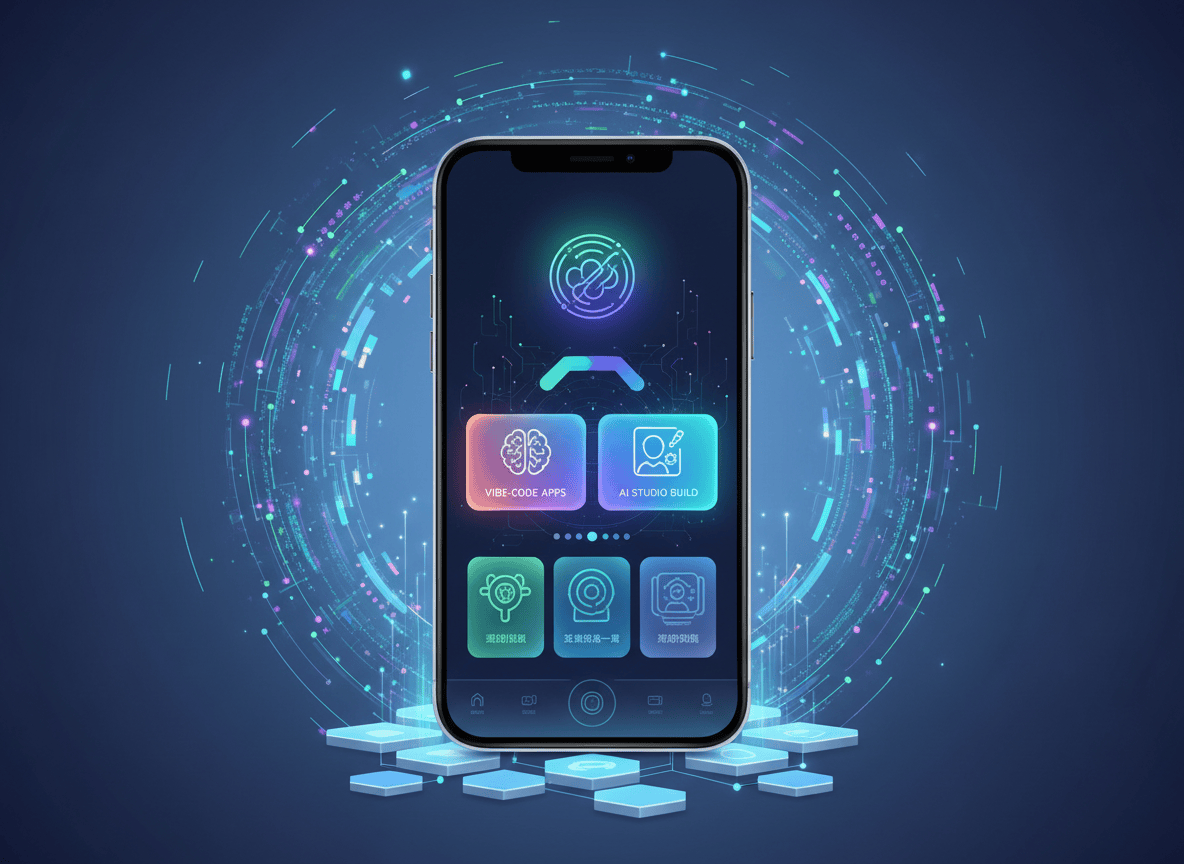
Google Play now lets you describe an Android app in plain language, build it in Google AI Studio, and run it on your own phone through Play with a regular Google account. No developer account. No public listing. Nobody else can see it. Google announced it on October 13, and it is rolling out in select markets, including the US, for people 18 and over.
Until now, getting a custom app onto your own Android phone meant a USB cable and developer tools, or publishing it to the whole Play Store. TechCrunch reports that is why many people stuck to web apps instead of building something native. This update removes that detour.
Here is what changed, how to build your first personal app step by step, and where the edges are.
What Google Announced
The details come from Google’s own announcement by Sam Bright, who runs Google Play and the developer ecosystem. Here is the short version.
| Question | Answer |
|---|---|
| When | Rolling out from October 13, 2026 |
| Who can use it | Adults, 18 and over, in select markets including the US |
| What you need | A standard Google account. No developer account |
| Where it runs | Your own device, launched through Google Play |
| Who can see it | Only you. It does not appear in Play search or listings |
| Rules | Apps still have to follow Google Play policies |
| Coming later | Sharing with a close circle of friends and family, in the coming months |
| Going public | Play helps you move to a professional developer account, and the app then faces the same Trust and Safety reviews as everyone else’s |
Why This Matters More Than It Sounds
Google added native Android app building to AI Studio in May. Logan Kilpatrick, who leads AI Studio, said on X that people created more than 250,000 Android apps in the first week, and that likely over 99% of them had never built one before.
But those apps lived in a browser preview or on a phone tethered to a computer. Now they sit on your phone like any other app.
I think that last part matters more than the app builder itself. A tool you have to plug in to use stays a demo. A tool on your home screen turns into a habit.
Bright put it as a move from “there’s an app for that” to “there’s an app for me.” Marketing line, sure. The mechanics behind it are real.
What to Build First
Think small. One job, one user, no accounts. The best personal apps solve an annoyance nobody else will ever build for you. Here are four starting points with prompts you can paste into AI Studio.
| Idea | Starter prompt |
|---|---|
| Trip expense splitter | Build an Android app where I add expenses, say who paid, and see who owes whom at the end of a trip. Store data on the device only. |
| Team or class schedule | Build an Android app that shows my weekly practice schedule, lets me mark attendance, and sends me a reminder the evening before. |
| Recipe scaler | Build an Android app where I enter a recipe and a serving count, and it rescales every ingredient. Use large, readable text. |
| Home maintenance log | Build an Android app that tracks recurring chores like filter changes and shows what is overdue at the top. |
Step by Step: Build and Launch Your First Personal App
Rollout is gradual, so some steps may not appear for you yet. Work through them in this order.
- Check you qualify. You need to be 18 or older, in a market where the feature is live (the US is confirmed), and signed in with a standard Google account. Update the Google Play Store app on your phone too. gHacks reports the Play update begins rolling out now.
- Open Google AI Studio. Go to aistudio.google.com on your computer and sign in with the same Google account you use on your phone.
- Start a new Android app. Native Android building arrived in AI Studio in May.
- Describe the app. Paste the template below and fill in the brackets. Keep it to one job.
- Test it in the preview. Coverage of the May launch says AI Studio includes a built in Android emulator in the browser. Tap every screen. Fix things by chatting, for example: “Move the total to the top and make the Add button bigger.”
- Launch it on your phone through Google Play. Google says personal apps launch on your own device through Play. I could not find button by button instructions from Google yet, so look for the launch option inside AI Studio once your account is enabled. If you do not see it, the rollout has not reached you.
- Use it for a week before adding features. You will learn what the app needs faster by living with it than by guessing.
Copy This: The App Prompt Template
Build an Android app for [one specific job]. It is for [me / my family / my team]. It needs [two or three screens]. Store all data on the device only. Use large buttons, support dark mode, and skip ads and sign in. Do not add any feature I did not ask for.
Copy This: The Safety Follow-Up
List every permission this app requests and explain why it needs each one. Remove any permission that is not essential to the job I described.
Build Safely
Google says AI Studio and Play both have security policies meant to protect users and their data. That helps. It does not review your idea for you. A few habits that cost nothing:
- Ask for the fewest permissions possible. If a recipe app wants your contacts or SMS, say no and ask AI Studio to remove it.
- Never paste passwords, API keys, or account numbers into a prompt or into the app.
- Use fake data for the first week.
- Treat the code as untested. AI-written apps can have bugs, and a private app has no other users to catch them.
The Rest of the Play Update
Personal apps got the headline, but the same announcement covered more. The quick version:
- Ask Play can now compare apps side by side, with key differences and user sentiment pulled from listings and reviews.
- Play in Gemini brings Play apps and games into Gemini chats. Google says it is rolling out to all Gemini users soon, and the Android Developers Blog reports over 6 million installs in two months since launch.
- Game Finder suggests games based on your Gamer DNA, a profile built from how you play. It starts in English for US users.
- Sprints are 48-hour challenges that match you with two to five players. They roll out to all markets today.
- Parents can share a child’s age range, not an exact birthdate, with apps through Family Link.
How This Connects to Android’s Sideloading Changes
This is a separate story, but it affects anyone who builds apps for themselves. Android is rolling out developer verification. From September 30, 2026, apps must be registered by verified developers to install on certified devices in Brazil, Indonesia, Singapore, and Thailand, with a global rollout planned for 2027, according to Android Authority.
Google is also adding a free limited distribution account for students and hobbyists. The announcement on personal apps does not spell out how the two fit together. If you live outside the US, check Google’s developer verification page before you rely on any route.
Honest Limitations
- Not global yet. Select markets only, adults only. I found no expansion timeline.
- Your device only, for now. Sharing with friends and family is promised for the coming months, with no date.
- Step by step instructions are thin. Google’s announcement explains the idea, not the exact buttons.
- Coverage varies. TechCrunch describes a US start, while Google says select markets including the US. Your Play Store is the final word.
- Play rules still apply. A private app is not exempt from Google Play policies.
- Going public means review. If your app takes off, you move to a professional developer account and the full Trust and Safety review.
- You are the tester. AI-generated apps can be wrong in quiet ways. Check anything involving money or health twice.
Your 15 Minute Checklist
- Update the Google Play Store app on your phone.
- Write one sentence describing the single job your app will do.
- Open AI Studio and paste the app prompt template with your details.
- Run the safety follow-up prompt and remove extra permissions.
- Launch it on your phone and use it for a week.
- Send this post to the friend who always says, “I wish there was an app for that.”
Know someone with an app idea and no developer skills? Send them this post. They might have a working app on their phone by tonight.
Sources
- TechCrunch (Sarah Perez): Google Play now supports private, vibe-coded apps built just for you
- Google (Sam Bright): New on Google Play: More ways to create, discover, and play
- Android Developers Blog (Paul Feng): New ways to drive smarter discovery, deeper engagement, and business growth on Google Play
- Android Authority (Stephen Schenck): Your personal vibe-coded apps have a new home in the Play Store
- gHacks: Google Play Lets US Users Build Personal Android Apps in AI Studio Without a Developer Account
- Logan Kilpatrick on X (May 25, 2026), as reproduced by Trae AI
- Creative AI News: Google AI Studio Android apps hit 250K in first week
- Android Authority: Android’s sideloading changes are getting closer as Google shares new timeline
- Android Developer Console Help: Understanding Android developer verification
More on this topic: read my post on Google shutting down Opal, or browse the Google and Vibe Coding archives.


Leave a Reply