
Your product update goes live on Friday. Support wants a tutorial, sales wants a demo, and customer success wants it in four languages. Nobody on the team edits video. So the update ships with a changelog and a hope that people read it.
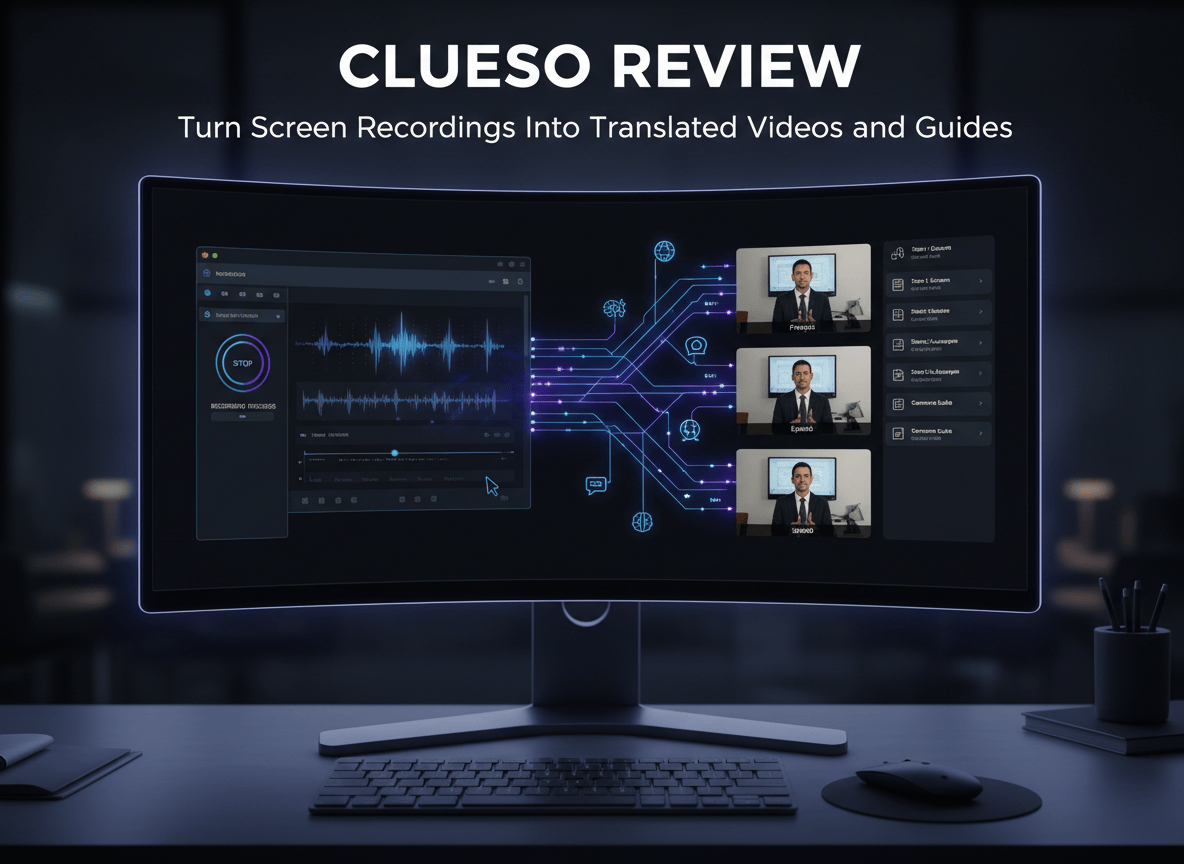
Clueso is built for that exact gap. It is an AI video platform for business teams. You give it a rough screen recording, a slide deck, a PDF or a plain prompt, and it gives you back an edited video with an AI voiceover, captions, automatic zooms and translations in 150+ languages, plus a written step by step guide of the same content.
The timing is worth a mention. Clueso announced a $10M Series A on October 13, 2026, led by Dharana Capital, and says more than 1,000 organizations now use it.
Quick answer
Clueso turns screen recordings, slides, documents or prompts into branded, translated videos and matching help articles. The free plan exports 10 minutes of video a month. Paid plans start at $40 a month billed yearly, but export caps and Enterprise-only features are the things to check before you commit.
What you need to know before you try it
- It makes two assets from one recording. The same content becomes a video and a step by step guide with screenshots, which you can export as HTML, rich text or Markdown.
- It plugs into your AI chat tool. The Clueso MCP connects Claude, ChatGPT, Codex, Gemini and Cursor so you can create and edit videos by describing them. Clueso says setup takes about two minutes.
- Export limits are the catch. Solo includes 3 hours of video exports a year and Business includes 6. When you hit the cap, exports pause until renewal unless you buy an add-on.
- The headline agent features sit higher up the ladder. The pricing page lists the agents that auto record and update videos, voice cloning, translation glossaries and SSO under Enterprise.
- It suits teams that explain software for a living. Customer education, L&D, product marketing, support and sales enablement will get the most out of it. Typical jobs are product demos, release videos, onboarding, SOPs and localized training.
How to make your first video (step by step)
- Create a free account. The free plan does not ask for a credit card.
- Pick a starting point. You can record with the Clueso browser extension, upload an existing recording, drop in slides or a PDF, or describe the video you want in a prompt.
- Walk through your workflow and talk normally. Clueso handles the script, the AI voiceover, filler word removal and automatic zooms.
- Open the draft in the editor. Rewrite the script with AI or by hand, swap the voice, trim clips, add callouts and apply your brand fonts and colors.
- Translate it. One click covers audio, captions and the written guide in 150+ languages.
- Export an MP4 or GIF, publish to YouTube, share a view-only link or send it to Slack. Export the guide as HTML, rich text or Markdown.
One practical tip: input length is capped by plan. Free allows up to 10 minutes per video and Solo up to 20, so record in short focused chunks anyway. Two minute videos get watched.
How to connect it to Claude or ChatGPT
- Open the Clueso MCP page.
- Copy the install prompt for your tool. Cards are listed for Cursor, Claude, ChatGPT and Codex, and Antigravity.
- Paste it into your AI tool. It walks the agent through the connection.
- Sign in with Google. You do not need a Clueso account first.
- Ask for a video. Here is a prompt to start with:
Create a 90 second walkthrough video for our new analytics dashboard. The audience is existing customers. Keep the tone friendly and direct. Add captions and a step by step guide.
Here is the thing about this route: the outputs stay editable in the Clueso editor, so you can fix what the agent gets wrong.
My honest take
The homepage sells an agent that plans, records, edits and keeps every video up to date. The pricing page puts several of those pieces on the Enterprise tier. What this really means is that if you are a solo creator or a small team, you are buying a very good recording-to-video editor with built in documentation, not an autonomous video department.
That is still a strong deal for the right job. If your team explains software on repeat, the free plan is the fastest way to find out whether it saves you hours or just moves the work around. Test one real tutorial before you pay for anything.
Pricing
Free is $0 with 10 minutes of exports a month at 1080p. Solo is $40 a month billed yearly ($50 monthly), Business starts at $120 a month billed yearly ($150 monthly) for two users, and Enterprise is custom. Check the live pricing page because Clueso was running a 50% off offer on Solo and Business around its Series A announcement.
Alternative tools
- Descript. Edit video and audio by editing the transcript. Better for podcasts and long form content than for product walkthroughs.
- Guidde. The closest rival. It also turns captured workflows into AI video documentation.
- Scribe. Records your clicks and builds step by step guides with screenshots. Pick it if you want documentation first and video second.
- Synthesia. AI presenter videos for training and communications, rather than screen recordings.
FAQ
Is Clueso free? Yes. The free plan gives you 10 minutes of video exports and 10 article exports a month, with no credit card required.
Can Clueso translate videos? Yes. It translates voiceover, captions and on-screen text into 150+ languages.
Does Clueso work with Claude and ChatGPT? Yes. The Clueso MCP connects Claude, ChatGPT, Codex, Gemini and Cursor.
Which video does your team keep putting off? Drop it in the comments, and share this with the person who owns your product tutorials.


Leave a Reply