
You bought the book. You even started it. Then it sat on your nightstand for six months while you scrolled through 40 minutes of Instagram every night instead. That’s not a discipline problem, that’s a format problem.
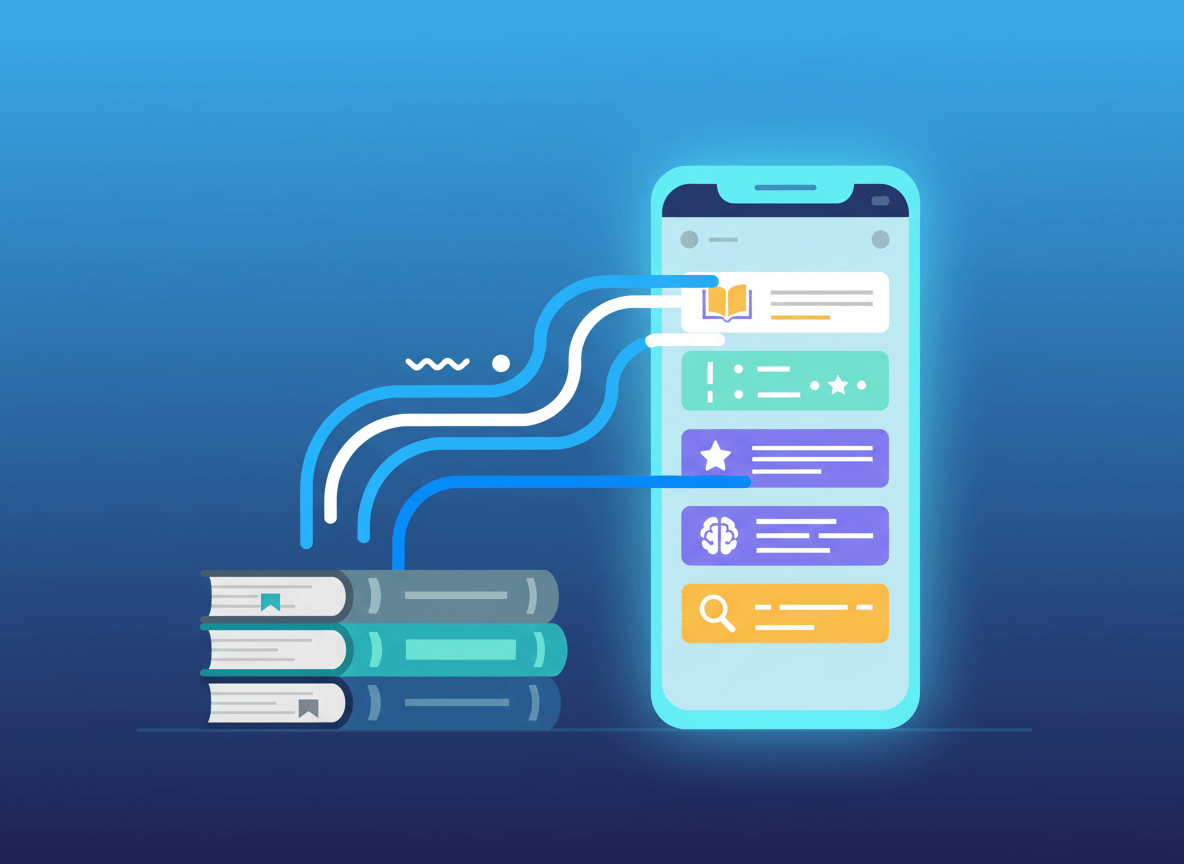
ScrollEd is built around that exact insight. It takes any PDF, EPUB, DOCX, or text file, the book you never finished, your lecture notes, a stack of slides, and turns it into a scrollable feed of bite-sized cards with AI-generated summaries, quizzes, and mind maps. Instead of fighting your scrolling habit, it borrows the format and points it at something useful.
Here’s what it actually does, how to set it up, what it costs right now, and where the beta still shows its seams.
What ScrollEd Actually Does
Most reading apps ask you to sit still and read like it’s 2005. ScrollEd flips that. It reads your file, breaks it into structured sections, and rebuilds the whole thing as a vertical feed you scroll through the same way you’d scroll TikTok or Instagram, except every card is a concept, a quote with context, or a quick quiz instead of a video.
The pipeline runs in three steps. You upload a file and ScrollEd scans it for chapters, headings, and sections in the background. Then its AI generates the feed itself: idea cards that break each concept into a short swipeable chunk, auto-crafted quizzes that check your understanding paragraph by paragraph, and a “learning journey” that links ideas together so you always know what’s next. Once that’s built, you scroll. A Focus Mode tracks your percentage complete and structures each card around a big idea, the evidence behind it, and a one-line takeaway.
A few things worth knowing upfront:
- It’s built on a real behavioral insight, not just a gimmick. People already scroll for hours a day without trying. ScrollEd is betting that if the content is useful instead of just entertaining, the same habit becomes productive. That’s a genuinely different pitch from most study apps that ask you to build a new habit from scratch.
- It’s still early and openly in beta. The homepage itself labels the current offer a “Beta Offer,” and the free tier is marked “Coming Soon” rather than live. This is a young product finding its footing, not a mature, battle-tested platform.
- Access right now runs on an invite model, not a straightforward signup. Pro is nominally $6.99 a month, but ScrollEd is giving the first 200 “Founding Members” three months free in exchange for sharing the product, and ongoing Pro access after that is framed as “share to unlock” rather than a plain credit card checkout.
- It’s positioned for structured content, not casual reading. Textbooks, lecture notes, slide decks, and nonfiction with a clear argument will convert into cards far better than a novel or anything built on narrative flow and prose style.
- There’s no visible citation or fact-checking layer. Unlike AI writing tools that show their sources, ScrollEd’s summaries and quiz questions are generated straight from your uploaded file with no indication of how accuracy is verified beyond the source text itself.
Who It’s For
ScrollEd is aimed squarely at people who start more books and courses than they finish, and who already spend real time scrolling their phone every day.
It fits best for:
- Students working through dense textbooks or lecture PDFs who want a faster way to review material before an exam without rereading an entire chapter.
- Bootcamp and cohort-based learners who get handed slide decks and problem sets and need to retain them quickly between sessions.
- Anyone with a backlog of unread nonfiction sitting in a Kindle library or a downloads folder, where the barrier isn’t interest, it’s format and time.
- Study groups and small teams, through the Study Squads tier, which is built around shared libraries and cohort-wide goals rather than individual accounts.
It’s a weaker fit if you read fiction for the prose itself, or if your work requires verified, sourced information rather than an AI’s compressed take on your own document.
How to Set It Up (Step by Step)
- Go to scrolled.eu and start with the free access option. There’s no separate app to download to try it; everything runs through the web app at app.scrolled.eu.
- Upload a file. Drop in a book PDF, an EPUB, lecture notes, or a slide deck. ScrollEd scans it for chapters, headings, and sections automatically. No manual tagging or formatting cleanup needed on your end.
- Let the AI build your feed. This is the part you don’t touch. ScrollEd converts your paragraphs into idea cards, generates quizzes for each section, and links everything into a guided learning journey.
- Open Focus Mode and start scrolling. Each card shows you the big idea, a quote or evidence with one-line context, and the takeaway to remember. Your progress percentage updates as you go.
- Take the quizzes as they appear. These are placed at natural breakpoints to check whether the concept actually landed before you move to the next card.
- Decide if you want to unlock Pro. The free preview only works with demo content and can’t take your own uploads, so if you want to run this on your own books or notes, you’ll need to go through the current invite or founding-member offer for full access.
Pricing
ScrollEd’s pricing runs three tiers. Free Preview is $0 a month and lets you try demo content only, ad-supported, with no ability to upload your own files. Smart-Scrolling Pro is listed at $6.99 a month but is currently offered free for the first three months to Founding Members who share the product to unlock access, covering three daily uploads, no ads, full book transformation, and unlimited storage. Study Squads is custom-priced for schools, bootcamps, and teams, with shared libraries, dedicated onboarding, and SSO on request.
Worth flagging: this pricing structure is a beta-stage offer, not a settled, permanent plan. Expect it to change once ScrollEd moves past its founding-member phase.
The Honest Limitations
- The free tier isn’t actually usable yet. It’s marked “Coming Soon” on the pricing page itself, which means the only real way to try ScrollEd on your own content right now is through the invite-based Pro offer.
- “Share to unlock” isn’t the same as a normal free trial. You’re trading a share or referral for access rather than just signing up, which adds friction compared to competitors with a straightforward free tier.
- No visible accuracy or citation layer. For a tool built around textbooks and study material, there’s no stated method for how it verifies summaries against your source text, which matters if you’re relying on it to study for something that counts.
- Upload caps are tight on Pro. Three daily uploads is workable for one book at a time, but not built for someone trying to process an entire semester’s reading list in a weekend.
- It’s an early-stage product. Between the beta labeling and the invite-gated pricing, this is a startup still shaping its core offering, not a mature platform with years of user feedback baked in.
Alternative Tools
If you want to compare before committing:
- Blinkist: The established player in bite-sized nonfiction summaries, with a library of pre-made book condensates rather than tools to process your own files. Good if you want curated summaries of popular books fast; not useful if you need your own PDFs or lecture notes turned into study material.
- Headway: A mobile-first book summary app with a strong habit-building layer, daily streaks, and audio summaries. Similar audience to ScrollEd but focused on a catalog of existing titles instead of your uploaded documents.
- NotebookLM: Google’s free AI research and study tool. You upload your own sources, same as ScrollEd, and it generates summaries, study guides, quizzes, and even audio overviews from them, with source citations built in. It’s not scroll-native, but if citation accuracy matters more to you than the feed format, this is the stronger free option today.
The core difference: Blinkist and Headway give you a library, ScrollEd and NotebookLM work off your own files. Between those two, NotebookLM is free, cites its sources, and is already out of beta, while ScrollEd’s bet is entirely on the scroll-native format being a better way to actually finish what you upload.
The Bottom Line
ScrollEd is chasing a real problem. Most people don’t fail to finish books because they’re not smart enough or don’t care, they fail because reading competes with a format, the endless feed, that’s specifically engineered to be easier to keep doing. Turning your own unread books into that same feed is a clever bet, and the idea cards, quizzes, and learning journey structure are a genuinely thoughtful way to build retention into the scroll itself.
But right now it’s an early beta with invite-gated access, no visible fact-checking layer, and a pricing page that still says “Coming Soon” on its own free tier. It’s worth a look if you’re the kind of person who scrolls more than you read and wants to test whether the format switch actually gets books finished. Just go in knowing you’re testing a founding-stage product, not a mature one.
If you’re mainly after accuracy and citations for study material, run NotebookLM alongside it for a few weeks and see which one you actually keep opening. The habit is the whole point, so whichever app wins your thumb wins the comparison.
Sources and further reading
- ScrollEd, Homepage.
- ScrollEd, About ScrollEd.
- Crunchbase, Scrolled company profile.
- Blinkist, Homepage.
- Headway, Homepage.
- Google, NotebookLM.


Leave a comment