
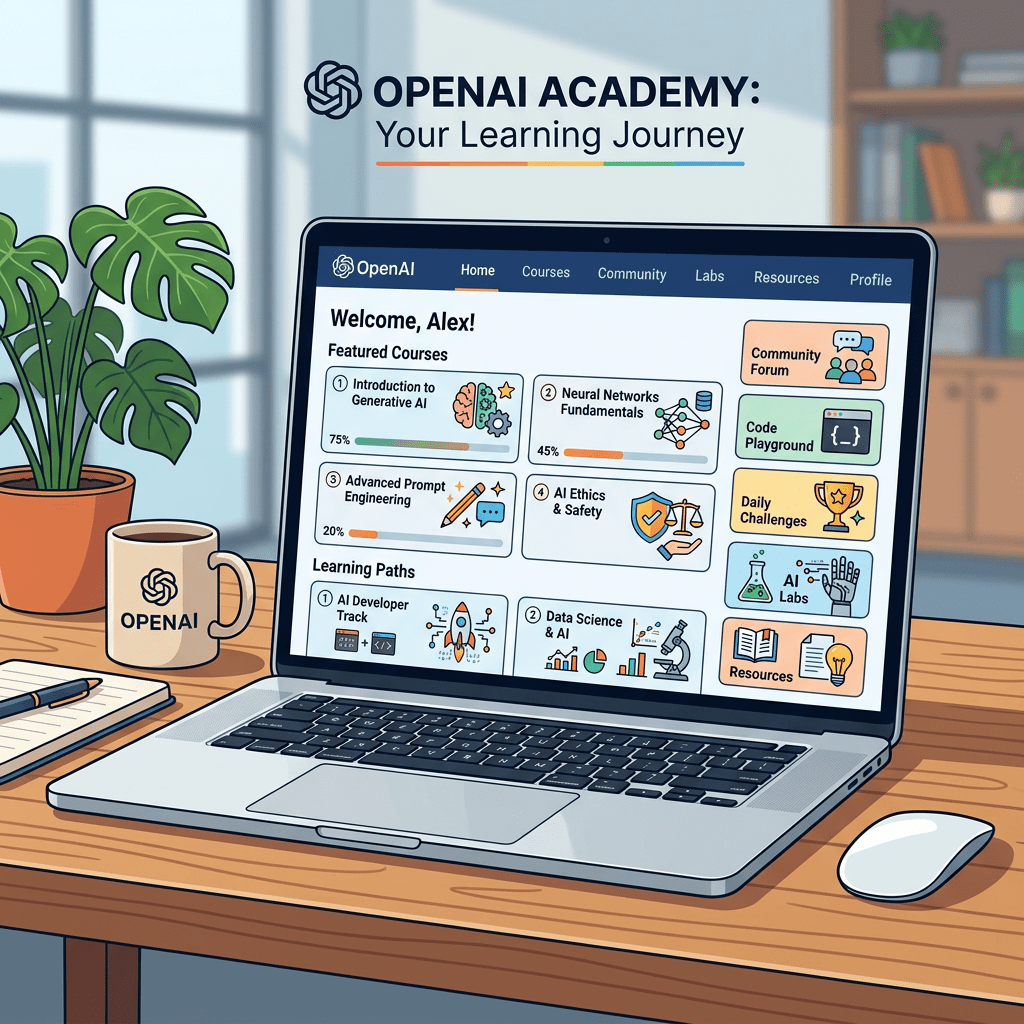
OpenAI gets a lot of credit for ChatGPT. It gets almost no credit for the thing it built right next to it: a free, public learning platform with structured tracks for teachers, students, small business owners, government workers, nonprofit teams, journalists, scientists, and software builders.
It is called OpenAI Academy. And if you have never opened it, you are leaving real value on the table.
Here is the thing. Most AI courses online are either marketing funnels or someone’s recycled YouTube playlist behind a paywall. OpenAI Academy is neither. It is run by OpenAI directly, the content is built by people who actually work on these models, and access is genuinely free. No credit card, no trial, no “unlock later” nonsense.
This guide walks you through what is actually inside, segment by segment, so you can find the track that fits you and skip the rest.
Check out the OpenAI Academy here.
What OpenAI Academy Actually Is
Forget the word “academy” for a second. It is not a structured degree program. It is closer to a curated library plus a live event calendar plus role-specific communities, all bundled into one site.
Three things sit underneath:
- Content Hub: Videos, written guides, prompt packs, slide decks, recorded webinars, and resource pages organised by topic and audience.
- Live Events: Virtual workshops and in-person sessions you can join. Most are recorded and posted back to the site within a few days.
- Communities: Industry and role-based groups (Higher Education, K-12, Small Business, Government, Nonprofits, News Organizations, Builders, Veterans) where content gets pre-filtered for you.
You can browse the public content without signing in. Some community-specific resources and event RSVPs need a free account.
How the Content Is Organised (and Why That Matters)
There are two ways to navigate. Pick the one that matches how you think.
By segment. If your job is teaching, running a small business, working in government, or doing nonprofit work, go straight to your community. The content is already filtered for your context.
By topic. If you want to get good at prompting, learn Custom GPTs, explore Sora, or understand the new GPT-5 series, browse by topic instead. Topics cut across segments.
The site also has a useful What’s New section if you just want to see what dropped this month.
A Track-by-Track Tour of What is Inside
Here is what each major segment actually contains. I have flagged the standout resources for each, so you can jump in without scrolling through 80+ items.
1. Work Users (For Anyone Using ChatGPT at Work)
This is the largest and most general track. If you do not fit neatly into education, government, or nonprofits, start here.
Standout resources:
- ChatGPT Fundamentals covers everything someone new to ChatGPT actually needs to know. Not features for the sake of features. Real workflows.
- Prompting is the deeper guide on how to actually frame requests so you get good output the first time.
- ChatGPT for Any Role breaks down practical use cases by job function. If you are in marketing, sales, HR, finance, or operations, you will find your role here.
- ChatGPT for Marketing is a focused deep-dive worth its own callout if marketing is your day job.
- Introducing GPT-5.3 Instant, GPT-5.4 Thinking, and GPT-5.4 Pro is the official explainer on which model to use for what. Saves you a lot of trial and error.
2. Higher Education (For Faculty and University Staff)
This track is one of the most active on the platform, with a sprawling library called Professors Teaching with OpenAI that runs to 83+ resources at this point.
You will find:
- Faculty workshops on integrating ChatGPT into specific subject areas
- Real teaching workflows from professors at universities like UT Austin and UC Santa Barbara
- Recorded sessions like ChatGPT for Higher Education Faculty
- Resources on academic integrity, syllabus design, and student-AI collaboration
If you teach at a university, this is the best free professional development you will find on this topic.
3. K-12 Education (For Schoolteachers and School Staff)
Built around the new ChatGPT for Teachers product, this track has two foundational webinars worth blocking time for:
- ChatGPT for Teachers 101 walks through the core features and education-specific use cases.
- ChatGPT for Teachers 102 builds on the first session with engagement strategies, productivity workflows, and more advanced features.
Both are around 55 minutes. Watch them in order.
4. Small Business (For Founders, Owners, and Small Teams)
The Small Business community is one of the most practical tracks on the entire platform.
The content focuses on what a five-person team can actually do with AI without hiring a consultant or buying enterprise tools. Look for the AI for Small Business collection and resource hubs from regional events like the Munich SME AI Accelerator and the OpenAI Academy Abilene programme.
Real workflows. Real businesses. Practical templates.
5. Nonprofits (For Mission-Driven Teams)
The Nonprofits track is built for teams running on tight budgets and tighter time. The content is heavy on:
- Grant writing with AI assistance
- Communications and donor outreach
- Programme design and impact reporting
- Resource hubs from regional Nonprofit AI Jams
If you work at a nonprofit, this is one of the few places you will find genuinely tailored AI content instead of generic productivity tips.
6. Government (For Public Sector Workers)
The OpenAI for Government track has 12+ resources covering use cases like:
- Managing FOIA requests with Custom GPTs
- AI Skills Jams for Disaster Management Professionals
- Operational AI for federal, state, and local agencies
The content here leans toward the kind of structured, compliance-aware applications government teams actually need to think about.
7. News Organizations (For Journalists and Editors)
The News Organizations track is one of the newer additions. It covers research workflows, translation, transcription, and how reporters can use ChatGPT without compromising sourcing or verification.
If you are in newsrooms or independent journalism, the case studies here are worth the time.
8. Veterans (For US Military Veterans Transitioning Careers)
A small but specific track. The Veterans collection includes career transition resources, skills translation, and applied AI use cases for post-service work.
9. Builders (For Developers and Technical Teams)
If you build with the OpenAI API, this is your home base. The Builders track runs Build Hours and Builder Bootcamps on a rolling schedule, and the content goes deep.
Recent highlights include:
- Intro to Codex for engineers using OpenAI’s coding agent
- Builder Bootcamp: Evals on running real evaluations against AI agents
- Codex for Admins and IT for platform leaders rolling out coding tools across teams
- Skill Lab Templates, including a useful Agent Requirements Doc template
If you are technical, you will probably end up living in this track.
10. Science and Healthcare (For Researchers and Clinicians)
The Science collection covers applied research stories, including a recent piece on how physicists at UC Santa Barbara are using OpenAI models to chase new physics through a system called FERMIACC, and another on using GPT-5 Pro for drug repurposing.
Healthcare content lives across the Stories and What’s New collections. Worth a look if you are a clinician or work adjacent to research.
The Five Courses Most People Should Start With
If you only have a couple of hours and want the highest signal-to-noise content on the entire platform, start here. These five hold up regardless of your role.
| Course | Why It Matters | Time Needed |
|---|---|---|
| ChatGPT Fundamentals | The cleanest, no-fluff baseline you will find. Even if you have used ChatGPT for two years, you will pick up something. | ~45 minutes |
| Introduction to Prompt Engineering | The single highest-leverage skill in this whole field. Watch it before you do anything else serious with AI. | ~30 minutes |
| Mastering Prompts | The follow-up to the Intro. Goes deeper into structure, context, and getting reliable outputs. | ~30 minutes |
| ChatGPT for Any Role | If you want practical use cases mapped to your job function, start here. | ~1 hour |
| Latest Model Update (GPT-5 series) | Saves you guessing which model to use. Actually useful, not just marketing. | ~20 minutes |
How to Sign Up and Use It (Step by Step)
This takes under three minutes.
- Go to academy.openai.com
- Click Sign In in the top right, then choose Sign Up
- Create a free account with your email (or sign in with Google)
- From the homepage, click Content in the menu to browse everything
- Use the Communities link to join your specific track (Higher Education, Small Business, etc.)
- Hit Events in the menu to see upcoming live workshops and RSVP
You do not have to commit to a learning path. Bookmark the site, dip in when you want, and use the search bar to find specific topics.
One Honest Caveat
Quality varies. The flagship content (prompting deep dives, educator workshops, builder bootcamps, the model launch explainers) is genuinely excellent. Some of the regional resource hubs and one-off blog posts are lighter and feel more promotional.
Stick to the Popular sections and the foundational tracks for your segment. That is where the value sits.
The Bottom Line
Most professionals are paying for AI courses on Udemy and Coursera while OpenAI is running its own free platform with content that is at minimum as good and often better. The Academy is not a secret. It is just quiet enough that most working professionals have never heard of it.
That is a gap worth closing. Whether you are a teacher, a founder, a researcher, a developer, a journalist, or someone trying to figure out what your job will look like in two years, OpenAI Academy is the most direct line you will get to learning AI from the people building it.
Free. Practical. Worth a Saturday afternoon.
Source: OpenAI Academy Content Hub


Leave a Reply