
Most small business owners have the same Sunday night ritual. Reconcile QuickBooks against PayPal settlements. Check which invoices are still unpaid. Draft three apologetic reminders. Open Canva to fix a promo image. Switch to HubSpot to figure out why last week’s campaign flatlined. By the time the laundry’s done, half the to-do list is still there.
On May 13, 2026, Anthropic put a toggle in front of that ritual.
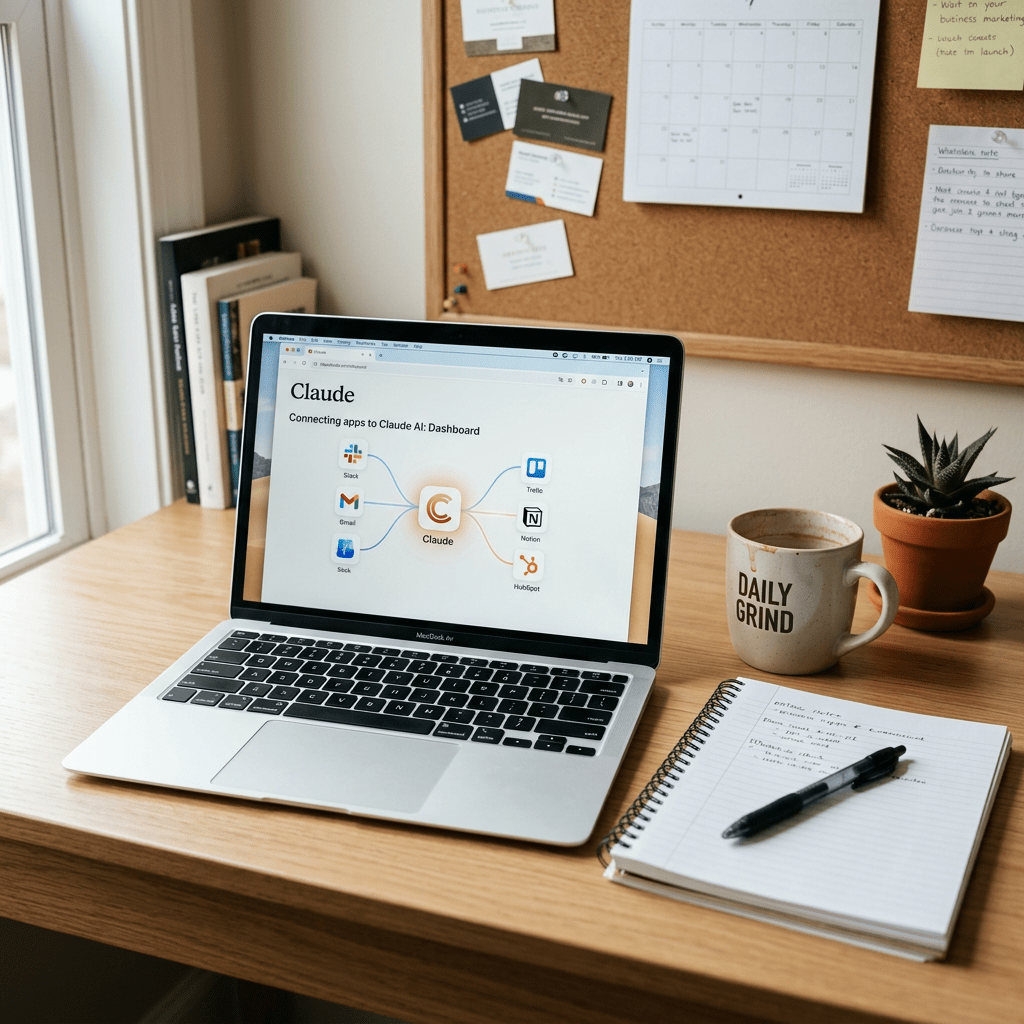
It’s called Claude for Small Business, and it lives inside Claude Cowork. Flip it on, connect the apps you already pay for, and Claude starts doing the work that piles up after hours. Nothing sends, posts, or pays without your click.1
Here’s the hook nobody is using yet: the resource gap between a 15-person business and a 1,500-person business just got narrower than it has ever been.
Let’s break it down.
What Anthropic Actually Shipped
Claude for Small Business is not a new app. It’s a toggle inside Claude Cowork that ships with two things:
- 15 ready-to-run agentic workflows across finance, operations, sales, marketing, HR, and customer service.
- 15 reusable skills built around the repeatable tasks owners said slowed them down most.1
And it connects directly into the tools small business owners actually use:
- Intuit QuickBooks for payroll planning, month-end close, cash-flow, tax-season prep, and reconciliation.
- PayPal for settlements, invoicing, disputes, and refunds.
- HubSpot for lead triage, customer pulse, and campaign attribution.
- Canva for content creation, collaboration, publishing, and performance tracking.
- Docusign for sending contracts, tracking status, and filing executed copies back where they belong.
- Google Workspace for documents, drives, and inboxes.
- Microsoft 365 for Excel, Word, PowerPoint, and Outlook.1
That last point matters. The seven connectors above cover almost the entire software stack of a typical small business in the US, which is why this launch reads less like a feature drop and more like a category shift.
Why This Launch Is a Bigger Deal Than the Headline Suggests
Small businesses generate 44% of U.S. GDP and employ nearly half the private-sector workforce.1 But AI adoption inside this segment has badly lagged the enterprise. Why?
Most AI tools were built for two audiences: enterprises with dedicated IT teams, and venture-backed startups with engineering muscle. The 30-person landscaping company and the 50-person real estate brokerage were never the priority. Their experience with AI usually stops at the chat window because nobody bothered to wire it into QuickBooks or HubSpot for them.2
Anthropic’s head of U.S. SMB, Lina Ochman, said it bluntly to Inc: small businesses have been underserved, and the software industry has historically been built for enterprises, not for a 25-person HVAC operation.3
Claude for Small Business is the first serious attempt by a frontier AI lab to fix that. The fact that there is no additional charge beyond your existing Claude license and the partner tools you already pay for is what makes it land. It’s not a new SKU. It’s the same Claude, suddenly fluent in the seven apps your business runs on.4
The Four Workflows Worth Trying First
The launch ships with 15 workflows. These four are the ones owners will get the most mileage out of in the first month.
1. Planning payroll without a Sunday panic
The workflow settles your QuickBooks cash position against incoming PayPal settlements, builds a 30-day forecast, ranks what is overdue, and queues the chase reminders for you to approve and send.1
What this really means is that the question of “can we make payroll this Friday?” gets answered with numbers, not vibes. Claude reads both ledgers, projects forward, and shows you the gap before it becomes a crisis.
2. Closing the month with fewer errors
Claude reconciles your books against settlements, flags what doesn’t match, writes a plain-English profit-and-loss summary, and exports a close packet you can forward straight to your accountant through QuickBooks.1
If you’ve ever spent the first week of every month chasing down two transactions that don’t tie, this one workflow pays for the whole subscription.
3. Getting a real pulse on the business
On a schedule you set, Claude surfaces your most important business metrics on one page: cash position from QuickBooks, sales trend, pipeline movement in HubSpot, commitments due this week, and more.1
Most small business owners don’t have a CFO. This workflow gives them the morning briefing a CFO would deliver, every day, without a salary.
4. Running your next campaign end-to-end
Claude finds the slow stretch in your revenue calendar, analyses HubSpot campaign performance to see what worked last time, drafts the promo strategy, and generates the assets in Canva so you can hit send.1
This is the workflow that compresses what used to be a three-person job into a one-person afternoon.
There’s also an invoice chaser, margin analyser, month-end prepper, tax-season organiser, contract reviewer, lead triager, content strategist, and more.1 The full plugin list is on the Anthropic site.
How to Turn It On (Step-by-Step)
If you’re on a Claude Team or Enterprise plan, you already have access. Here is the exact path.5
Step 1: Open Claude Cowork. Sign in to your Claude account and open Cowork from your dashboard. If you’ve never used Cowork, it’s the agentic workspace product where multistep workflows actually run.
Step 2: Toggle on Claude for Small Business. Inside Cowork settings, find the Small Business toggle and switch it on. The 15 workflows and 15 skills become available immediately.
Step 3: Connect your tools. Authenticate the connectors one at a time. QuickBooks first if you want the finance workflows working. Then PayPal, HubSpot, Canva, Docusign, Google Workspace, and Microsoft 365. Each connector inherits your existing permissions, so if a user can’t see something in QuickBooks today, they can’t see it through Claude either.1
Step 4: Pick a workflow. Start with one. I’d recommend the month-end close or the invoice chaser, because both have a clear before-and-after you can feel. Skip the all-singing dashboard until you trust the basics.
Step 5: Approve before anything ships. Claude shows you the plan first. You either let it run end-to-end after one approval, or you approve each step. New users should approve step-by-step for the first week. After that, end-to-end becomes obvious where it makes sense.
Step 6: Take the free training. Anthropic partnered with PayPal on a free on-demand course called AI Fluency for Small Business. It’s taught by owners who’ve already built AI into their operations, including Prospect Butcher Co. in Brooklyn and MAKS TIPM Rebuilders in California. It’s the fastest way to know which tasks in your business are worth handing over.1
Built for the Trust Question
Anthropic surveyed small business owners before this launch. Half named data security as their single biggest hesitation about AI.1 The product was designed around that hesitation, not in spite of it.
Three things matter here:
- You stay in the loop. Every task is initiated by you. You approve the plan first, or when you’re ready, let it run end-to-end.
- Your existing permissions hold. If an employee can’t see something in QuickBooks or Drive today, they can’t see it through Claude. The permission model doesn’t break just because an AI is in the loop.
- No training on your data by default on Team and Enterprise plans.1
Full details are in the Anthropic Trust Center.
The SMB Tour Is on the Road
Tools are not enough. Owners need to know when to use them, and most haven’t had a chance to learn.
The Claude SMB Tour kicked off May 14 in Chicago. It’s a free, half-day live AI fluency training and hands-on workshop for 100 local small business leaders per stop. Anthropic and partner Tenex.co are hosting, and attendees get a one-month Claude Max subscription to start integrating AI into daily workflows.1
Spring stops include Chicago, Tulsa, Dallas, Hamilton Township (NJ), Baton Rouge, Birmingham, Salt Lake City, Baltimore, San Jose, and Indianapolis. More cities are being added in the fall.1
If you run a business in or near any of those cities, signing up is the highest-ROI thing on your calendar this quarter.
The Capital Side: CDFIs and the Solopreneur Accelerator
One thing worth calling out separately. Anthropic is not just selling a tool. As a public benefit corporation, it’s putting Claude into the hands of organisations that fund and advise small businesses.
With Workday and the Local Initiatives Support Corporation, the Workday Foundation Solopreneurship Accelerator Program will equip an initial cohort of 15 aspiring solopreneurs with seed funding, Claude credits, and an AI-first entrepreneurship curriculum.1
And three Community Development Financial Institutions, Accion Opportunity Fund, Community Reinvestment Fund USA, and Pacific Community Ventures, are getting Claude credits and hands-on technical support to build tools that help more small businesses get funded.1
This is the unsexy part of the launch that most coverage skipped. It’s also the part that matters most for owners who’ve been told “you don’t qualify” too many times.
The Honest Limitations
A few things to know before you commit.
- It runs on top of a paid Claude plan. Team and Enterprise plans get the strongest experience, including no training on your data by default.4
- Claude Cowork is the runtime. If you’ve never used Cowork, give yourself an afternoon to set it up before you connect business-critical accounts.
- Drafts always wait for your click. Good for compliance, slightly slower for power users who want full automation on day one.
- It is US-launched. The connectors all work globally, but the SMB Tour and the on-the-ground programmes are US-first. International rollouts will follow.
- Trust the workflow library, not the marketing. The 15 workflows are not magic. They are well-designed templates. The value compounds over weeks as you tune them to your business.
What I’d Do This Week
Five steps, in order.
- Sign in to Claude. Confirm you’re on a paid plan with Cowork access.
- Open Claude Cowork and toggle on Small Business.
- Connect QuickBooks and PayPal first. Run the month-end close workflow on last month’s books as a dry run. Compare what Claude flagged against what you already know.
- Add HubSpot. Run the customer pulse workflow once a week and put the output on your Monday morning briefing.
- Sign up for the AI Fluency for Small Business course. It’s free, it’s on-demand, and it answers the “what should I hand over first?” question in about an hour.
If you do nothing else in step one, run the month-end close on last month’s already-finished books. You’ll either find a transaction you missed (cheap insurance), confirm everything ties (a confidence boost), or watch Claude flag something you didn’t realise was off (the moment the tool earns its keep).
That’s the headline.
If this helped you see what to actually do on Monday morning, share it with the owner who’s still doing month-end at midnight.
Sources and further reading
Anthropic, Claude for Small Business solutions page.
Anthropic, Introducing Claude for Small Business (May 13, 2026).
TechCrunch, Anthropic courts a new kind of customer: small business owners (May 13, 2026).
Inc., Anthropic’s Newest Claude Feature Is Here to Help Small-Business Owners With Their Pain Points (May 13, 2026).
Axios, Anthropic offers new Claude tools for small businesses (May 13, 2026).


Leave a Reply