
WhatsApp just changed how 3 billion people identify themselves on the app, and it took 17 years to get here. Starting Monday, June 29, 2026, you can reserve a WhatsApp username and stop handing out your phone number to every stranger, classmate, or seller who messages you first.
Here’s the thing. This isn’t fully live yet. What launched is reservations, meaning you can claim your handle now so nobody else grabs it before the full feature rolls out later this year. If you’ve ever hesitated before dropping your number into a parent group chat or a marketplace listing, this is the fix you’ve been waiting for.
Let’s break down what actually changed, how to claim your username today, and where this update still falls short.
What WhatsApp Actually Announced
WhatsApp opened username reservations to its entire user base on June 29, 2026. Once the feature fully rolls out later this year, anyone who sets a username can message someone for the first time without that person ever seeing their phone number.
Alice Newton-Rex, WhatsApp’s head of product, said the update responds to a specific and common complaint: people don’t want to hand over their number just to join a group chat with parents they’ve never met, or to talk to a new coworker on day one.
A few things worth knowing right away:
- You can reserve a username between 3 and 35 characters.
- Reservation currently only works from the WhatsApp mobile app, not Web or Desktop.
- You still need a phone number to create a WhatsApp account. That part hasn’t changed.
- WhatsApp is holding back handles tied to celebrities, public officials, and government entities so nobody can impersonate them.
- If you already have a matching Instagram or Facebook handle, WhatsApp is giving you priority to claim the same one here, which helps creators and small businesses keep one consistent identity across Meta’s apps.
Why This Actually Matters
Your number stops being the default handshake. Right now, giving someone your WhatsApp number is giving them a permanent line to you, tied to your real identity across half the apps on your phone. A username breaks that link for anyone you haven’t saved yet.
There’s no directory to browse. This is the detail that separates WhatsApp’s approach from a normal social app. You can’t search a list of usernames the way you’d scroll Instagram handles. Someone has to already know your exact username to reach you. No algorithmic suggestions, no “people you may know,” no random discovery.
You get an extra lock if you want one. WhatsApp is also introducing an optional username key, a second layer that controls who can message you even if they somehow know your handle. It’s not required, but it’s there for anyone who wants to be extra cautious.
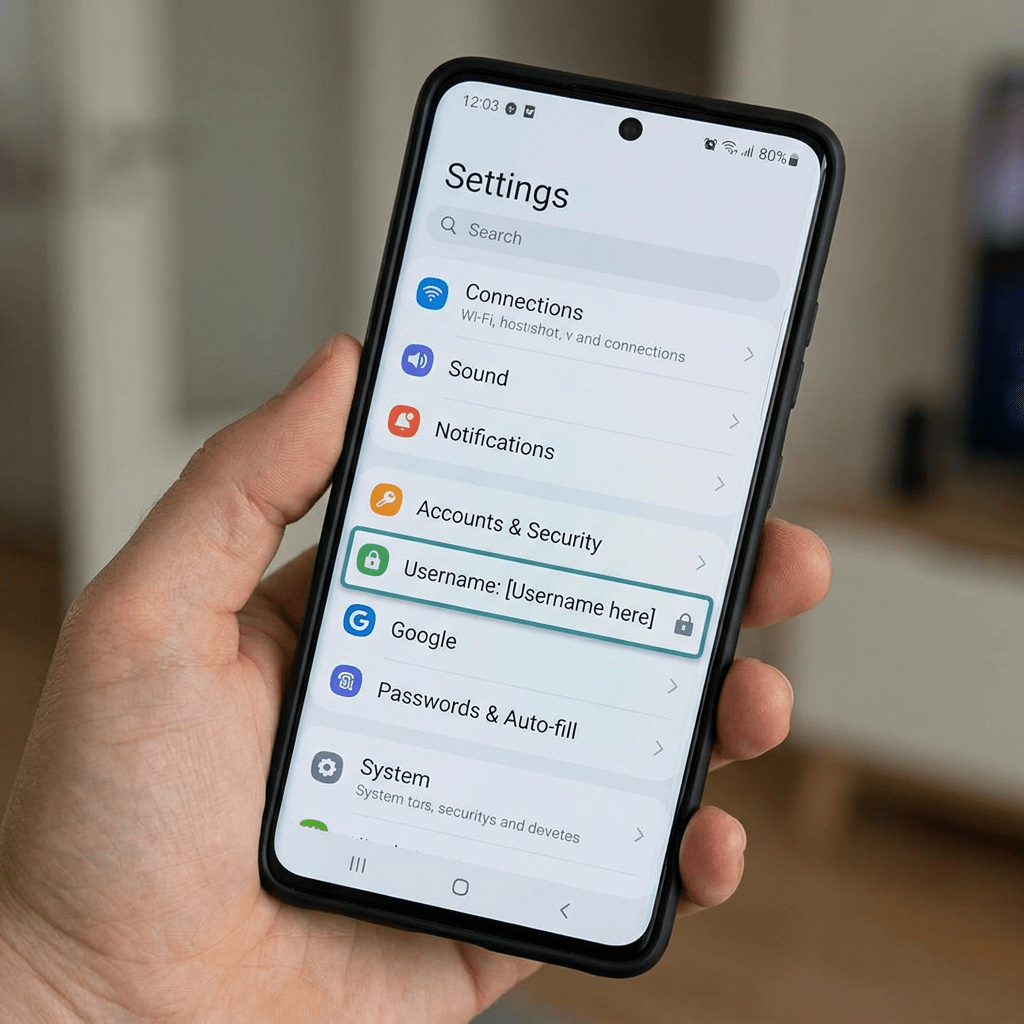
How to Reserve Your WhatsApp Username (Step by Step)
- Update WhatsApp to the latest version from the App Store or Google Play.
- Open the app and tap Settings.
- Tap Account.
- Select Username.
- Type in the handle you want. WhatsApp will tell you instantly if it’s taken.
- Confirm your reservation.
That’s it. You won’t be able to use the username to actually message people until WhatsApp finishes the wider rollout, which the company says will happen gradually over the coming months, country by country. But reserving it now means you’re not scrambling later when the good handles are gone.
What You Can’t Do With a Username
WhatsApp built in a few restrictions specifically to cut down on impersonation and phishing:
- Usernames can’t start with www.
- Usernames can’t end in a domain suffix like .com
- Names tied to well known public figures, brands, and government bodies are locked and reserved in advance
These are small rules, but they matter. Half the reason usernames work as a discovery layer on other platforms is that anyone can grab anything. WhatsApp is deliberately narrowing that so a fake username can’t double as a fake link.
WhatsApp vs Signal vs Telegram: Who Had This First
WhatsApp is not the first messaging app to do this, and it’s worth being honest about that instead of pretending this is a brand new idea.
| App | Usernames Available Since | Public Directory | Phone Number Still Required at Signup |
|---|---|---|---|
| Telegram | Years (one of its original features) | Public search exists | Yes |
| Signal | 2024 | No directory | Yes |
| 2026 (reservations open; full feature later this year) | No directory | Yes |
What this really means is that WhatsApp is roughly two years behind Signal on this specific feature, and Telegram has offered handle based messaging for years. The difference is scale. Signal has a small, privacy first audience. WhatsApp has 3 billion people in more than 180 countries. Rolling this out safely at that size is a genuinely bigger engineering and moderation problem than it looks like from the outside.
The Honest Limitations
A few things worth knowing before you get too excited about this as a total privacy fix:
- Your phone number is still required to sign up. Usernames hide your number from people you haven’t messaged yet. They don’t remove it from WhatsApp’s systems.
- Metadata isn’t covered. End to end encryption protects what you say. It doesn’t hide who you’re talking to, when, or how often, and that metadata layer is exactly where most of WhatsApp’s past privacy controversies have played out.
- This launch isn’t happening in isolation. WhatsApp is currently facing multiple lawsuits, including cases filed in early 2026 in the Northern District of California, over allegations that Meta employees can access message content through an internal system. WhatsApp has called those claims false. The username feature doesn’t touch that dispute either way.
- The rollout is gradual. You can reserve a handle today, but you can’t actually use it to message anyone until the full feature reaches your country, and WhatsApp hasn’t given a country by country timeline.
None of this cancels out the upside. It just means “biggest privacy update in 17 years” is a headline, not the whole picture.
The Bottom Line
If you’ve ever wanted to join a community chat, meet someone from an app, or hand a business card to a stranger without giving up your number, this is the update you’ve been asking for. It’s not live yet, but reserving your handle takes less time than reading this post.
Open WhatsApp, go to Settings, then Account, then Username, and claim yours before someone else does.
If you know someone who’s still giving their real number to every group chat and online seller, send them this. They’ll want to claim their username before the good ones disappear.
Sources and further reading
- WhatsApp Blog, It’s Time to Reserve Your WhatsApp Username
- TechCrunch, WhatsApp now lets you reserve usernames
- Tech Times, WhatsApp Usernames Arrive for 3 Billion Users: A Privacy Fix With Limits
- The Business Standard, WhatsApp rolls out usernames for its three billion users
- Tribune Online, Five key things to know about WhatsApp username


Leave a Reply