
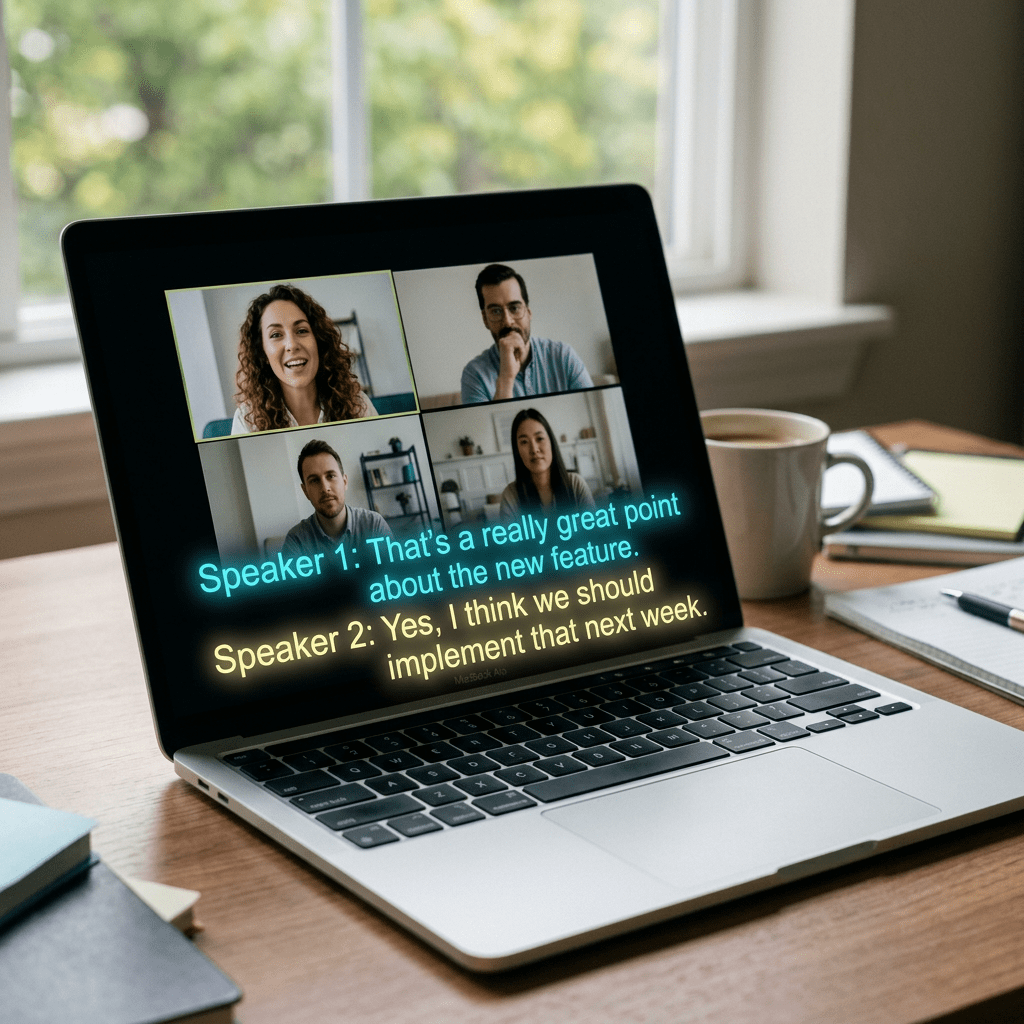
You are on a Google Meet call with a client in Tokyo. The live captions are translating her Japanese into English, except the words keep rewriting themselves mid sentence, and by the time a phrase settles down you have already missed the next one. That specific flavor of frustration is what DeepL just went after, and as of this month, it is fixing it directly inside Google Meet.
DeepL Voice for Meetings, the company’s real time translated captioning tool, now works with Google Meet. You paste your meeting link into a browser tab, DeepL joins the call, and every participant gets translated subtitles in their own language while the conversation is still happening. No plugin, no download, no waiting for a transcript afterward.
Here is the part that actually matters for whether you should bother switching: an independent study found DeepL’s captions were roughly twice as accurate as Google Meet’s own built in translation, with noticeably less of that flickering, rewriting text that makes captions exhausting to read. Let’s get into what changed, what the numbers actually show, and exactly how to turn it on.
What DeepL Actually Announced
DeepL Voice launched in November 2024 as two products: Voice for Meetings, which adds translated captions to video calls, and Voice for Conversations, a mobile app for face to face chats in different languages. Microsoft Teams got support first. Zoom followed in 2025. Google Meet is the newest addition to that list, and it works the same way the other two do.
One clarification worth making up front: what is live right now is translated subtitles, not translated audio. You still hear the other person speaking in their own language. The words on your screen are in yours. DeepL has said actual voice to voice translation, where you would hear a synthetic version of what they said in your language, is coming later. For anyone dealing with a genuine language barrier on a call today, captions alone already solve most of the problem.
Just How Much More Accurate Is It, Really
DeepL commissioned an independent study from Slator, a research firm that covers the translation and language industry, and Slator kept full control over the methodology and the results. That distinction matters, because a vendor funding a study is normal, but a vendor controlling the outcome is not, and Slator was explicit that it did not.
28 professional linguists ran a blind evaluation across 14 language pairs, seven translating into English and seven out of English. They compared the built in captions in Google Meet, Microsoft Teams, and Zoom against DeepL Voice. Here is what came back:
- Translation quality score: DeepL hit 96.4 out of 100. The native captioning in Google Meet, Teams, and Zoom landed between 87 and 89.
- Fully accurate segments: DeepL produced a completely accurate translation 79 percent of the time. The platforms’ built in tools managed that only 42 percent of the time, which is where that “twice as accurate” framing comes from.
- Critical errors: the kind of mistake that changes what a sentence actually means, not just how it sounds, dropped by 76 percent on average compared with the competing tools.
- Caption stability: Slator did frame by frame analysis of how often captions flickered or rewrote themselves as the speech recognition caught up. DeepL’s captions held steady far more often.
That last point is the one people underrate. A caption that is 90 percent accurate but keeps rewriting itself three times per sentence is genuinely harder to follow than one that is slightly less accurate but stays put. Your brain is not built to re-read a sentence four times while someone keeps talking.
How to Turn On DeepL Voice for Your Next Google Meet
You need an active DeepL Voice for Meetings subscription to do this. Pricing is not published publicly, it is quoted per organization, so you or your team will need to talk to DeepL’s sales team or grab it through the AWS Marketplace listing if your company already buys through AWS.
- Sign up for DeepL Voice for Meetings. This is a separate subscription from a regular DeepL Translator account, so check with whoever manages software at your company before assuming you already have access.
- Open the DeepL Voice tab in your browser before your meeting starts. You will find it inside your DeepL account.
- Paste your Google Meet invitation link into that tab. This is the same link you would send anyone to join the call.
- Start or join your Google Meet as normal. A few moments later, you will see a request for the DeepL bot to join the call, the same way any other guest would ask to join.
- Admit the bot. Once it is in, it starts listening and streaming the conversation to DeepL for translation.
- The bot drops a link in the Meet chat. Every participant clicks that link to open their own personal DeepL caption window.
- Each person picks their preferred language inside that window. From that point on, captions appear in real time in whatever language each person chose, independently of what anyone else picked.
- If the conversation turns sensitive, use Pause Translation. This removes the bot from the call temporarily so nothing is being streamed, which is worth knowing about before you discuss anything you would not want processed by a third party tool.
Your organization also needs to allow external participants to join meetings and needs the meeting chat function turned on, since that is how the bot sends its join link. If you are on a locked down Google Workspace account, your IT admin may need to adjust a setting before this works.
DeepL Voice vs Google Meet’s Built In Captions
| Feature | Google Meet (built in) | DeepL Voice for Meetings |
|---|---|---|
| Setup | Built in, no extra sign up | Requires a paid DeepL Voice for Meetings license |
| Translation quality score (Slator study) | 87 to 89 out of 100 | 96.4 out of 100 |
| Fully accurate segments | 42 percent | 79 percent |
| Caption stability | More frequent flicker and rewrite | Noticeably steadier text |
| Voice to voice translation | Not available | Coming soon |
| Cost | Free with Google Meet | Custom pricing, contact sales |
If your team has one or two casual calls a month with a non native speaker, Google Meet’s free captions are probably good enough. If you are running client negotiations, hiring interviews, or board updates across languages every week, the gap in accuracy is the kind of thing that shows up as an actual misunderstanding, not just an annoyance.
Who Actually Needs This
Global sales teams closing deals with prospects who are not native English speakers. Distributed companies hiring across borders, where a strong candidate should not lose out because of a caption glitch during a screening call. Customer support teams handling tickets from regions where English is a second language. Anyone running training sessions or webinars for an international audience.
If you already read our breakdown of Google’s Rambler dictation feature for Gboard, this fits the same pattern: AI quietly getting good enough at language that the barrier stops being the language itself and starts being whether you turned the right setting on.
The Honest Limitations
- It is not free. DeepL Voice for Meetings requires a paid license, and pricing is not listed publicly. Budget conscious teams and solo founders may find the built in Google Meet captions a reasonable starting point instead.
- Captions, not spoken translation, for now. You will not hear the other person’s words in your language yet. That feature is announced but not live for Meet.
- Admin settings can block it. Locked down Workspace accounts that restrict external participants or disable chat will need an IT change first.
- The study was commissioned by DeepL. Slator ran it independently and kept editorial control, which is a meaningfully stronger setup than a vendor writing its own benchmark, but it is still worth knowing the numbers came from a study DeepL paid for.
- Niche vocabulary can still trip it up. Legal, medical, or highly technical terminology may need DeepL’s glossary or Spoken Terms features dialed in before you trust it fully in high stakes settings.
- No breakout room support and a 300 participant cap. Fine for most meetings, not built for massive all hands calls broken into smaller groups.
The Bottom Line
Live translated captions have existed for years and have mostly been mediocre, which is exactly why most people ignored them. This is the first time the gap between “technically available” and “actually usable” has narrowed enough to matter for an ordinary work call. If you run even one recurring meeting with someone who is not speaking their first language, this is worth testing on your next one.
If you have ever sat in a call quietly guessing what a mistranslated caption was supposed to say, send this to whoever schedules your international meetings. Their next call is about to get a lot less confusing.
Sources and further reading
- DeepL, DeepL Voice for Meetings product page
- Martech Edge, DeepL Study Finds Its AI Voice Translation Beats Zoom, Teams, and Google Meet
- PR Newswire, DeepL Expands Real Time Voice Translation Capabilities
- DeepL Help Center, About DeepL Voice for Meetings
- DeepL, DeepL Voice product overview


Leave a Reply