
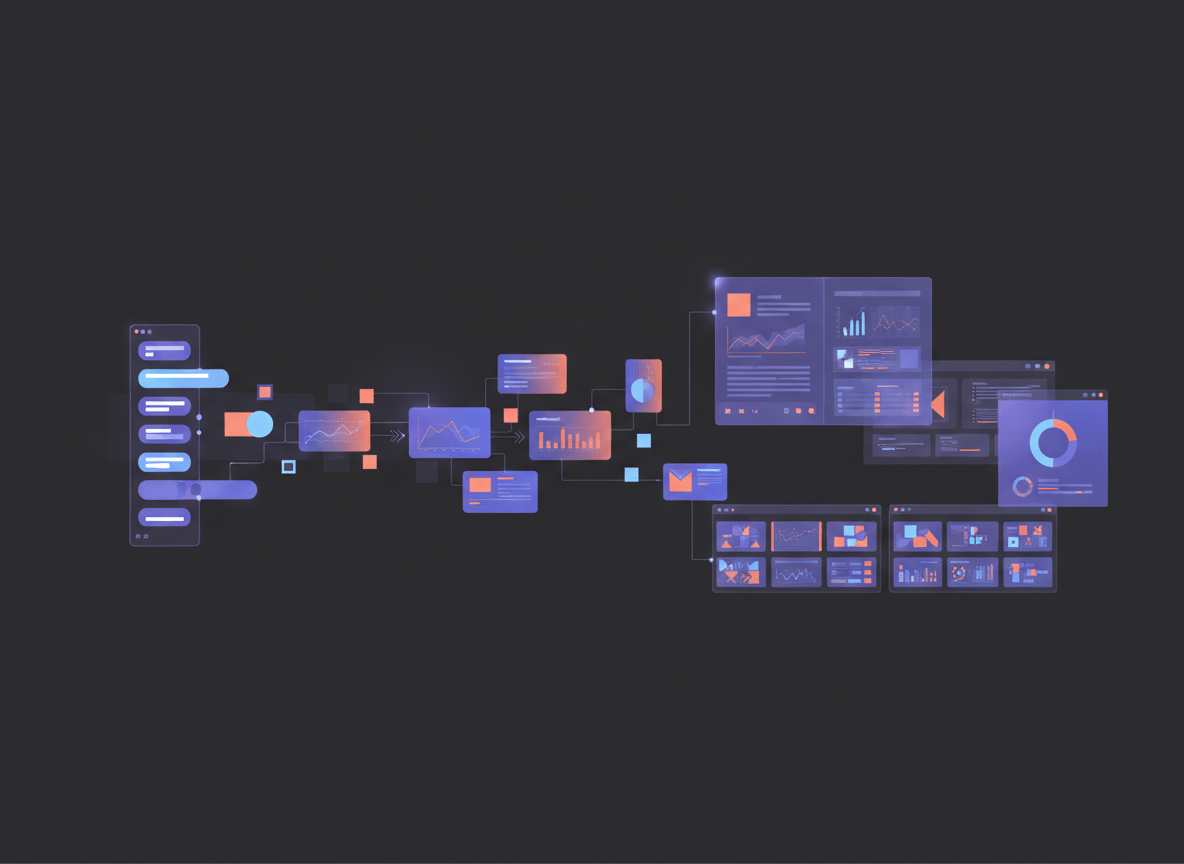
You used to decide where a task belonged before you could start it. Chat for the quick question, Cowork for the big job, Design for anything visual. Anthropic just removed that decision, and the part that matters is what comes out the other end: a report and a matching slide deck from the same conversation.
On September 16, 2026, Anthropic announced that Claude Cowork and chat are now one Claude. Two new tools, Claude Docs and Claude Slides, arrived the same day, and Claude Design now works inside your conversations too.
I read the announcement, the Design product page and the video Anthropic published. Here is what each tool does, how to run your first report plus deck in one go, and where the rough edges are.
Watch This First
This is the walkthrough Anthropic embedded in its announcement. It shows the weekly report example: one request, a finished doc, and slides that already match it.
Prefer to read the source? Here is the official announcement from Anthropic.
What Actually Changed
Before this update, you picked a lane. Quick question went to chat. A larger job with files and connectors went to Cowork. Visual work went to Design. Anthropic says people used all of them and found the frustrating part was deciding where a task belonged, plus the fact that work started in one place did not carry into another.
Now Claude works out what a task needs and pulls in those abilities from any conversation, using the context, skills and connectors you already have. If you hand over something big, Claude keeps going even after you close your laptop. If something is unclear, it asks.
If you already use Cowork, nothing is lost. Your chats, projects, artifacts, connectors and skills stay where they were.
The Three New Tools in Plain English
| Tool | What it does | What you can do with the result |
|---|---|---|
| Claude Docs | You and Claude write a document together, inside the conversation. | Edit it directly, share it, or download it. |
| Claude Slides | You ask for a presentation and Claude drafts the slides. | Edit, present straight from Claude, or download as PowerPoint or PDF. |
| Claude Design | Prototypes, decks, one page summaries and other visuals, now available in any conversation. | Refine on a canvas, share a link, or export to PowerPoint, PDF or HTML. |
Everything you make with Docs, Slides or Design lives at one shareable link that opens on your phone. You can select an element and move it yourself, or just tell Claude what to change.
Design deserves one extra note. It can import your DOCX, PPTX and XLSX files, and it connects with Adobe, Canva, Gamma, Lovable, Miro, Replit, Vercel and Wix, according to the Claude Design product page. You can also bring in your company design system so the output looks like your brand instead of a template.
Why This Is a Bigger Deal Than It Looks
Here is the thing. A slide deck was never the hard part. The afternoon goes to making the deck agree with the report, the report agree with the numbers, and all of it sound like your team wrote it.
Because the doc and the slides come out of one conversation, they share the same facts and the same tone. Change a figure in the report and you ask Claude to update the deck. You are not copy pasting between three tools and hoping nothing drifts.
The second win is control. By default Claude asks before it takes an action. If you trust a task, you can switch on a mode where it keeps working and only checks in when something needs a closer look. You keep the final say either way.
How to Build Your First Report and Deck in One Conversation
Pick something you already produce on a schedule. A weekly update, a monthly review, a client summary. Real work shows you in ten minutes whether this tool earns its place.
- Open Claude and check you have it. The rollout is staged. Pro and Max users get it first, over the coming weeks, in the Claude app on web, desktop and mobile. There is nothing to switch on. If you are on Team or Free, Anthropic says those plans follow soon. Enterprise admins decide when to turn on Docs, Slides and Design. You can download the Claude apps here if you need them.
- Write one prompt with four parts. Say what the output is, where the facts come from, how it should sound, and what else you need. Copy this and swap in your details:
Pull what moved in my pipeline last week from [your connected tool or the file I attached]. Write the report the way I usually do, in a plain tone with short paragraphs. Flag anything that slipped. Then turn the highlights into five slides for the leadership meeting. Ask me if anything is unclear.
- Answer Claude’s questions. It will ask when something is vague. Short answers are fine. This is where a missing detail gets caught before it ends up on slide three.
- Review the doc first. Read it like you would read a colleague’s draft. Fix lines directly, or leave a comment for Claude and let it revise. Fix the doc before you touch the slides, since the slides follow it.
- Check the slides. Click an element and move it, or tell Claude what you want changed in plain words. A comment pinned to a specific slide works too.
- Present or export. You can present straight from Claude, or download the deck as PowerPoint or PDF if your meeting room runs on someone else’s laptop.
- Share the link, or put it on repeat. Anthropic’s own example ends with scheduling the report for every Monday so Claude starts on it without being asked. I covered the setup basics in my post on Claude Scheduled Tasks.
Two More Prompts Worth Stealing
A client proposal in Docs:
Draft a two page proposal for [client] based on the notes I pasted below. Lead with their problem, then our approach, then timeline and cost. Keep it direct. Leave a comment wherever you had to guess.
A visual one page summary in Design:
Make a one page summary of [product or event] for [audience]. Use my brand design system. Give me a first draft I can react to, and tell me what you assumed.
That last line, asking Claude to tell you what it assumed, saves more editing time than any other trick I know. It turns silent guesses into things you can check.
Honest Limitations
- It is beta. Docs, Slides and Design in conversations are all labeled beta on paid plans. Expect rough edges, especially with complex formatting. Test with something low stakes before you rely on it for a board deck.
- You may not see it yet. The rollout takes a few weeks and Free and Team plans come later. If the tools are missing today, check back instead of hunting through settings.
- Bigger requests use more of your limit. Anthropic says work made with Design, Slides and Docs counts toward your plan usage limits, and a full deck or design uses more than a typical message. If you are on Pro and build decks daily, watch your usage. My Claude Meter review covers one way to track it on a Mac.
- The announcement shows the best case. The Monday morning report that is waiting when you reach your desk is Anthropic’s own example. Your first results will depend on how clean your source data and your prompt are.
- Check every number. Claude can draft a flag for something that slipped, but you are the one who signs the report. Read the figures against your source before the deck goes out.
- Scheduled task details may differ from my earlier post. My Scheduled Tasks guide describes the desktop version, where your computer had to be awake. Anthropic’s new announcement says Claude can keep working after you close your laptop. Check the Anthropic Help Center for how this behaves on your plan.
Your Move
Try this today. Take the report you dread building every week, run the prompt above, and time yourself. If the first draft saves you even twenty minutes, you have your answer on whether to keep going.
Then do the thing that makes a tool stick: use it on something real twice more before you judge it. The first run teaches you how to prompt. The third run is where it starts paying you back.
Know someone who still builds the Monday deck by hand? Send them this post, and tell me in the comments which report you would hand to Claude first.


Removing the “which lane does this belong in” decision is a bigger usability change than it sounds. I’d gently push on one thing, though: a report and matching deck from one conversation is great until you need to rerun it next week with fresh data. Do you know if the weekly report example can be saved and repeated, or does it start from scratch each time? That reusability piece is where I’d expect the real time savings to show up.
LikeLike