
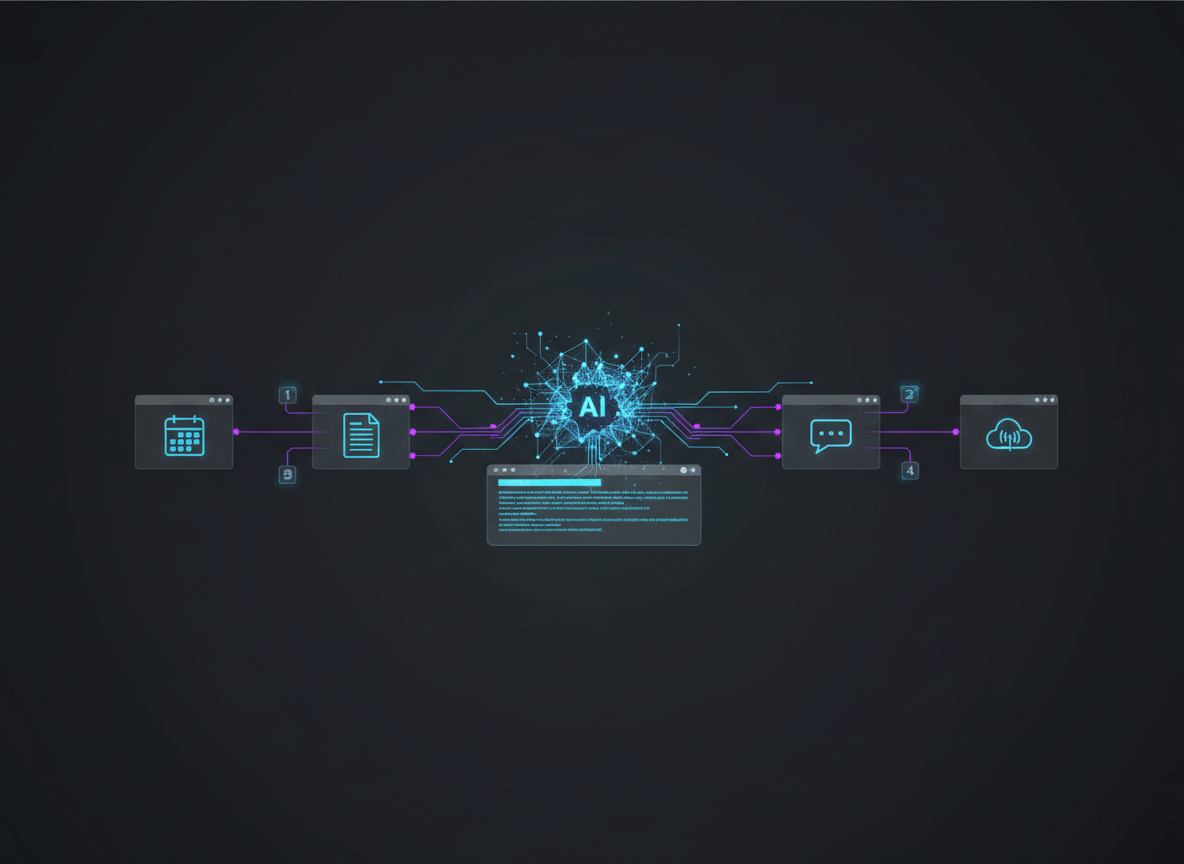
Your AI agent can draft a business plan, debug a Python script, and summarize a 200 page report. Ask it to batch resize 300 images in GIMP or export a LibreOffice file to PDF, and it starts hunting for buttons like a tourist without a map. CLI-Anything, an open source project from the HKUDS group at the University of Hong Kong, fixes that by giving almost any app a command line your agent can drive directly. It has passed 51,000 GitHub stars since appearing in March, and here is how to use it this week.
Why Agents Struggle With Software Built for Humans
Most apps were designed for eyes and a mouse. When an agent uses them, it takes a screenshot, guesses where a button is, clicks, then takes another screenshot to check what happened. That loop is slow, and it breaks the moment an interface changes or a dialog box appears late.
The people behind CLI-Anything say this is the wrong match. In their June 2026 tech report, authors Yuhao Yang, Tianyu Fan and Chao Huang argue that GUI agents are stuck with fragile pixel level actions and coordinate clicks. Their proposal is to give agents what they are actually good at: structured commands, explicit state, and predictable feedback.
Here is the thing. A command line already has all three.
What CLI-Anything Actually Does
You point a coding agent at an application’s source code (or a repo link) and run one command. The agent then works through a seven phase pipeline that the project README describes:
- Analyze the source code and map what the interface does to underlying functions
- Design the command groups and output formats
- Implement a command line tool built with Python and Click
- Plan the tests
- Write the tests
- Document the results
- Publish it as an installable package
What you get at the end is a normal Python package. Install it and a new command shows up on your machine, such as cli-anything-gimp. Three details matter for agents:
- A
--jsonflag returns structured output instead of text a model has to parse - An interactive mode keeps project state and supports undo and redo
- A generated SKILL.md file tells compatible agents what commands exist and how to use them
The part people miss: the command line does not replace the app, it calls it. According to the README, Blender still does the rendering and LibreOffice still produces the PDF. That is why the real software has to be installed on your machine first.
Two Ways to Use It (Pick One)
| Path | Best for | Effort |
|---|---|---|
| A. Install a ready made CLI from CLI-Hub | Popular apps someone has already wrapped | About 5 minutes |
| B. Generate your own with a coding agent | Apps or internal tools the hub does not cover | A long agent session |
Path A: Use an existing CLI in 5 steps
- Install the app itself. If you want the GIMP harness, install GIMP first. The README is clear that harnesses wrap real software and do not bundle it.
- Install the package manager. You need Python 3.10 or newer. Then run:
pip install cli-anything-hub - Find your tool.
cli-hub list cli-hub search image - Install and inspect it.
cli-hub install gimp cli-hub info gimp - Run it.
cli-hub launch gimp
Want your agent to find tools on its own? Install the hub’s meta skill with npx skills add HKUDS/CLI-Anything --skill cli-hub-meta-skill -g -y, then prompt it like this:
Find an appropriate CLI in CLI-Hub and complete this task: resize every image in ./photos to 1200px wide and save them as WebP.
The CLI-Hub website lets you browse everything that is available before you install anything.
Path B: Build a CLI for your own app with Claude Code
- Add the marketplace inside Claude Code:
/plugin marketplace add HKUDS/CLI-Anything - Install the plugin:
/plugin install cli-anything - Generate the CLI. Point it at a local folder or a GitHub repo:
/cli-anything ./gimp - Install what it built:
cd gimp/agent-harness pip install -e . - Test it yourself before handing it to an agent:
cli-anything-gimp --help cli-anything-gimp --json layer add -n "Background" --type solid --color "#1a1a2e" - Fill the gaps. Run
/cli-anything:refine ./gimpand add a focus, such as batch processing, to expand coverage. The README says each refine run is incremental and non destructive.
If /cli-anything is not recognized, the README suggests reloading plugins with /reload-plugins and confirming the install. On Windows, Claude Code needs Git for Windows or WSL, or commands may fail with a cygpath error. The same workflow runs on other agents too, including Codex, Cursor, OpenCode, and GitHub Copilot CLI, each with its own install steps in the repo. If you are building more with Claude Code, my Claude Code archive has related guides.
Five Practical Jobs to Hand Your Agent
- Batch image work. Resizing, converting and layering through the GIMP harness, with no clicking.
- Document conversion. The LibreOffice harness covers Writer, Calc and Impress, so a folder of files can become PDFs in one instruction.
- Diagrams on demand. The README shows an agent building a full HTTPS handshake diagram in Draw.io in roughly four minutes, entirely through commands.
- Research and notes. The project lists harnesses for Zotero, Calibre, Obsidian and Joplin, which makes a reading library or note vault something an agent can search and tidy.
- Email marketing. The Mailchimp harness is listed with 303 commands. Review anything it sends before it goes live.
Try this challenge: pick one repetitive task you did by hand this week. Check cli-hub search for the app involved. If it is there, hand the job to your agent and time it.
CLI-Anything vs GUI Agents vs MCP
| Approach | How the agent works | Where it shines | Where it struggles |
|---|---|---|---|
| GUI agent | Screenshots, clicks, typing | Apps with no code or API access | Slow, breaks when the interface changes |
| MCP server | Typed tools exposed by a server | Remote services, scoped permissions, multi user auth | Someone has to build and maintain the server |
| CLI-Anything harness | Shell commands with JSON output | Local desktop apps and tools with source code | Needs the real app installed; broad shell access |
These are not rivals. A benchmark of 756 runs by Smithery concluded that the MCP versus CLI debate is the wrong fight. Their view: CLI is the natural surface for local tools like git, docker and ffmpeg, while a typed contract works better for remote services and security sensitive work. CLI-Anything sits squarely in the local tools camp. Note that Smithery sells MCP infrastructure, so weigh its conclusions accordingly.
Honest Limitations
- The app must be installed and working. The project follows a zero compromise rule, so there is no cloud shortcut. A harness for Blender is useless on a machine without Blender.
- Generated code needs a human review. An AI agent writes these harnesses. The project’s own news log records a GIMP Script-Fu path injection fix in March and a later pass routing untrusted XML through a safe parser. Read what you install, especially anything that touches files, accounts or email.
- Shell access is broad. A command line can do whatever your user account can do. Keep approval prompts switched on and test inside a throwaway folder first.
- Quality varies. Many harnesses are community contributions, and some are marked experimental. The hub also lists public CLIs owned by other maintainers.
- Numbers move fast. The README cites 2,280 plus tests across 18 applications in one place, while its harness list is now much longer. Treat project reported figures as a moving snapshot, not an audit.
- Generating a CLI is not cheap. The seven phase build is a long coding agent session, so expect real token use.
- Windows takes extra setup. You need bash through Git for Windows or WSL.
Should You Try It?
Yes, if you already use a coding agent and have a pile of repetitive work inside desktop apps. Start with Path A, because it costs nothing but a few minutes. Move to Path B only when the app you need is missing from the hub.
Skip it if your tools are all web apps with solid APIs, or if you cannot review code the agent writes. In that case, an MCP connector is likely the safer fit.
What I find interesting is the direction. For decades we built software for people and asked machines to imitate us. CLI-Anything flips that: it asks the software to meet the machine halfway. Whether it becomes the standard or one of several, the idea that apps should ship an agent friendly front door is not going away. My earlier post on OpenAI Dots and Meta Muse covers the always on agents that will need exactly this kind of plumbing.
Know someone who still resizes images by hand or babysits an agent that keeps missing buttons? Send them this post and challenge them to automate one task this week.


Leave a Reply