
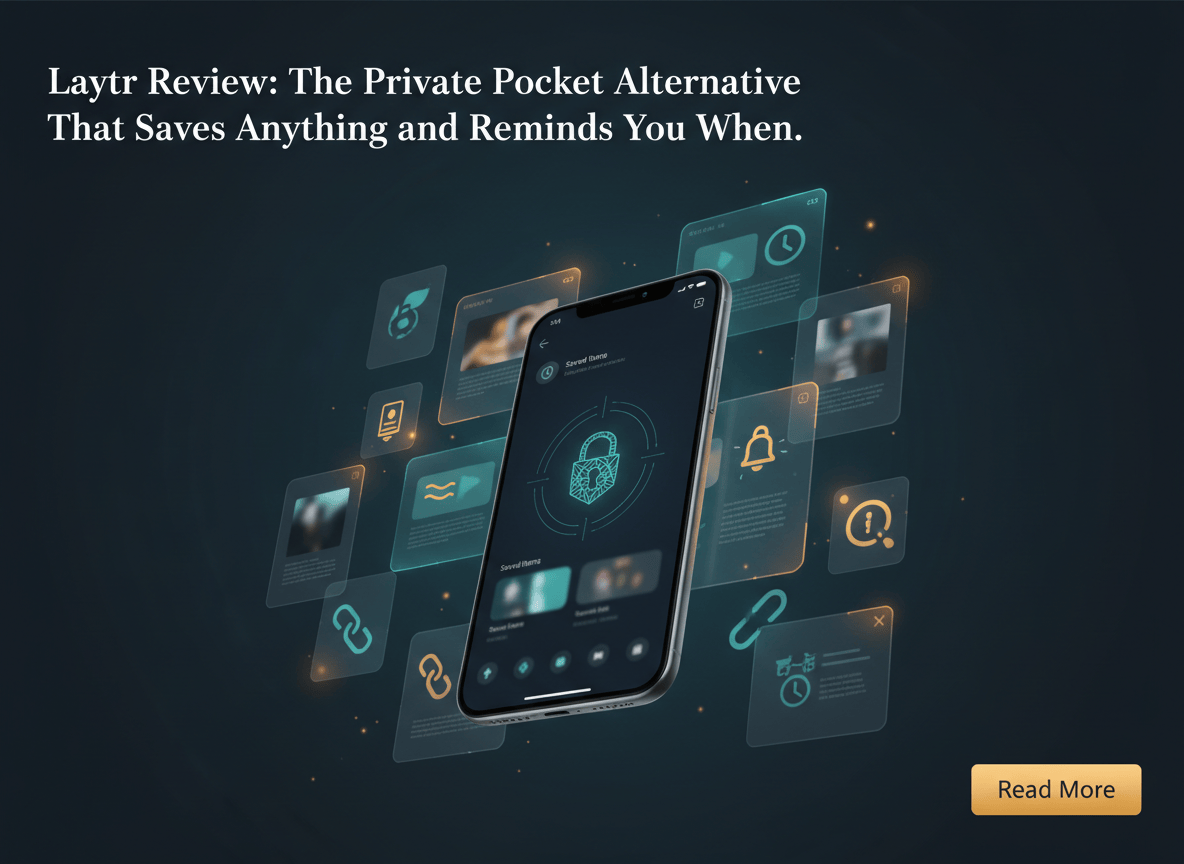
You saved a recipe in March. A travel article in June. A screenshot of a flight price you swore you would check. Now ask yourself where they are. Probably spread across four apps, and you have opened none of them since. Laytr is a new indie app for iPhone, iPad and Mac built around one simple idea: every save should come back on the day you pick, and your whole archive should live with you, not on someone else’s server.
TechCrunch’s Sarah Perez covered the app on October 2, 2026, and 9to5Mac spotlighted it in late August. The features are neat. The bigger lesson is about who holds your saved stuff.
Here is what Laytr does, how to set it up in five minutes, how to bring over old Pocket saves, and where it falls short.
What Laytr Actually Is
Laytr comes from Mostafa Talaat, an indie developer in the Ontario area who publishes under Waitery Inc. He told TechCrunch that hearing about Mozilla shutting down Pocket pushed him to build his own read-it-later app.
Most apps in this category save articles. Laytr saves nearly anything you can share from your phone:
| You share this | What Laytr keeps |
|---|---|
| Articles | The full text and images, so it still opens after the original page disappears |
| Recipes, places, products | A card sorted by type, such as Read, Watch, Visit, Cook, Buy or Try |
| Screenshots and PDFs | The file itself, with searchable text pulled out of screenshots on your device |
| Videos and social posts | A link with its title and picture, not a downloaded copy |
The twist is the return date. When you save something, Laytr asks when you want it back. Tonight, this weekend, next week, a specific day, or decide later. On that day, the item rises to the top of the Now tab. The official site says Not now sits right beside Done, with no streaks and no overdue badges.
Saves can also be grouped into cases. Think of a case as a folder with a purpose: your Lisbon trip, a course you are taking, a laptop you are still deciding on.
The Real Lesson Is Where Your Saves Live
Here is the thing. Laytr has no account and no server. Your archive sits on your devices and syncs through your own iCloud. The developer told TechCrunch he cannot see anything you save, and that was a deliberate privacy choice.
Compare that with what happened to Pocket. Mozilla gave users until October 8, 2025 to export their saved items. Anyone who missed that window lost years of saved reading.
So before you trust any app with your reading list, run the 60 second test:
- Open the app where you keep your saves.
- Find the export option.
- Ask yourself whether you could walk away with everything, in a format you can actually read, in under a minute.
If the answer is no, your archive belongs to the app, not to you. Laytr passes this test. Per its support page, one export gives you a ZIP with readable Markdown and HTML for every item, plus your notes, tags, cases, dates, preserved articles and original files. It is free on every plan, even after a subscription lapses.
How to Start in Five Minutes
You need an iPhone or iPad running iOS 17 or later, or a Mac running macOS 14 or later.
- Install Laytr. Get it from the App Store. No sign up screen appears.
- Open it once. The first launch sets up the storage the share sheet needs. Skipping this is the most common reason Laytr does not show up later.
- Share something. In Safari or any other app, tap Share, then Laytr. The save finishes before the sheet closes.
- Pick a day. Choose Tonight, This weekend, Next week, a date, or Decide later. You can skip this step and set it afterwards.
- If Laytr is missing from the share sheet, scroll the app row to the end, tap More, and switch Laytr on. A restart sometimes helps on iOS.
- Check the Now tab on the day you picked. That is where the save returns. Mark it Done, snooze it, or act on it.
On the Mac, you can save from Safari or the menu bar. Sync needs Laytr for Mac 1.1 or later, according to the developer.
How to Bring Over Your Old Pocket, Instapaper or Omnivore Saves
This works only if you still have your export file. If you never exported from Pocket, those saves are gone, and Laytr says plainly that it cannot bring them back.
The import guide lists three supported sources: a Pocket ZIP of CSV files or the older ril_export.html file, an Instapaper CSV, and an Omnivore backup ZIP.
- Put the file where the Files app can see it. iCloud Drive works, or AirDrop it to your iPhone.
- Open Laytr, tap the Now tab, then the gear icon. This opens Settings.
- Go to Archive, then Import, then Choose a file. Laytr detects the service by what is inside the file, so a renamed export still works.
- Review the count. Laytr shows what it found before changing anything. Titles, links, tags and original save dates come across. Archived Pocket items arrive already marked Done.
- Let it fetch the pages. Pocket exports hold links, not article text, so Laytr downloads a readable copy of each page it can still reach. Dead pages stay as links with their titles and tags.
One catch on the free plan. Only 30 saves fit. If your export is bigger, the first 30 come in, and the rest wait. Open the same file again after upgrading or clearing space, and Laytr imports exactly what is left. Re-running an import never creates duplicates.
A Ten Minute Weekly Routine That Keeps the Pile Small
A read-it-later list that only grows is just a guilt machine. Try this on Sunday evening:
- Open Now and Timeline. See what is due this week.
- Be ruthless with anything older than two returns. If you pushed it back twice, it probably does not matter. Delete it.
- Move the keepers into a case. A trip, a project, a purchase.
- Give every unscheduled save a day. Decide later is fine once. Not three times.
- Export once a month. It takes under a minute and gives you a ZIP you can store anywhere.
What this really means is that the app does not fix hoarding. The return date does, but only if you use it.
What It Costs
Prices below come from the official pricing section and are in US dollars. Your local App Store price may differ.
| Plan | Price | What you get |
|---|---|---|
| Free | $0 | Everything, up to 30 saves |
| Monthly | $1.99 | Unlimited saves |
| Annual | $14.99 | Unlimited saves |
| Lifetime | $39.99, or $24.99 until December 31, 2026 | Unlimited saves, one payment |
The paywall only gates adding more than 30 items. Reading, search and export stay open. If you stop paying, nothing is deleted or locked.
How It Compares to Other Pocket Alternatives
TechCrunch’s roundup of Pocket alternatives lists many options. Here is how a few of them stack up. Prices are as TechCrunch reported them, so check each app before you pay.
| App | Best for | Platforms | Cost |
|---|---|---|---|
| Laytr | Saving anything, privately, with return dates | iPhone, iPad, Mac | Free to 30 saves, then $14.99 a year |
| Instapaper | Plain article reading on iOS and Android | iOS, Android | Free, or $59.99 a year for Premium |
| Raindrop.io | Bookmark management across browsers | Browsers, iOS, Android | Free, or $33 a year |
| Plinky | Apple users who want folders, tags and reminders | Apple platforms, browser extensions | Free to 50 links, then $39.99 a year |
| Wallabag | Open source, self-hosting fans | iOS, Android, web | Free to self-host, or 11 euros a year hosted |
My take: if you live on Apple devices and care about privacy, Laytr is the cleanest fit. If you use Android or Windows, look at the other four.
Honest Limitations
- Apple only. The support page says there is no web version, no Android app, no watch app and no widgets.
- Some pages will not save as offline text. Laytr never runs JavaScript, so pages that build their article in the browser produce no offline copy. The link is kept, and the card says the snapshot failed.
- Paywalls stay paywalls. Laytr saves whatever the server sends, often just a teaser. It does not log in or bypass a meter.
- Videos are links, not files. Instagram, TikTok, X, Facebook and YouTube items open in their own apps.
- PDF text is not searchable. Titles, notes and tags are. Scanned pages and screenshots are searchable through on-device text recognition.
- No AI. No summaries, no auto-tagging, no suggestions. That is a privacy choice, but if you want machine summaries, Laytr is not your app.
- Reminder alerts have a ceiling. iOS allows 64 pending notifications per app. The system alert for a very distant item waits its turn, though the item still appears in Now on time.
- Single files cap at 100 MB.
- It is a very small team. The developer says a person reads support emails, normally within three business days. That is charming, and also a reminder that this is not a large company.
- Some claims are the developer’s own. The no-server and no-tracking statements come from Laytr’s site and its developer. I did not audit the app independently.
Who Should Try It
Try it if you are on an iPhone, you save links in six different places, and you want one private spot with a nudge attached. Skip it if you need Android, a browser extension, or AI summaries.
Whichever app you pick, keep the test from earlier: can you walk away with your data in under a minute? Do that, and the next shutdown notice becomes an inconvenience instead of a loss.
Know someone who has 47 open tabs and a screenshot folder from 2022? Send them this. If you want more tools that respect your data, browse our privacy posts and productivity posts.
Found a free app that saves recipes, articles, screenshots and PDFs in one place, reminds you on the day you pick, and stores nothing on a server. It is called Laytr, and it is for iPhone, iPad and Mac. Good for anyone drowning in open tabs.
If this helped you clear your digital pile, share it with the one friend who still has 47 tabs open.
Sources and further reading
- TechCrunch / Sarah Perez, Laytr’s new app lets you save anything you find online, not just articles to read (October 2, 2026).
- 9to5Mac / Michael Burkhardt, Indie App Spotlight: Laytr (August 29, 2026).
- Laytr, Official site and pricing.
- Laytr, Pocket alternative and import guide.
- Laytr, Support and limitations.
- TechCrunch / Ivan Mehta and Sarah Perez, Read-it-later app Pocket shut down: here are the best alternatives.
- TechCrunch, Mozilla is shutting down read-it-later app Pocket (May 22, 2025).
- Laytr on the App Store.


Leave a Reply