
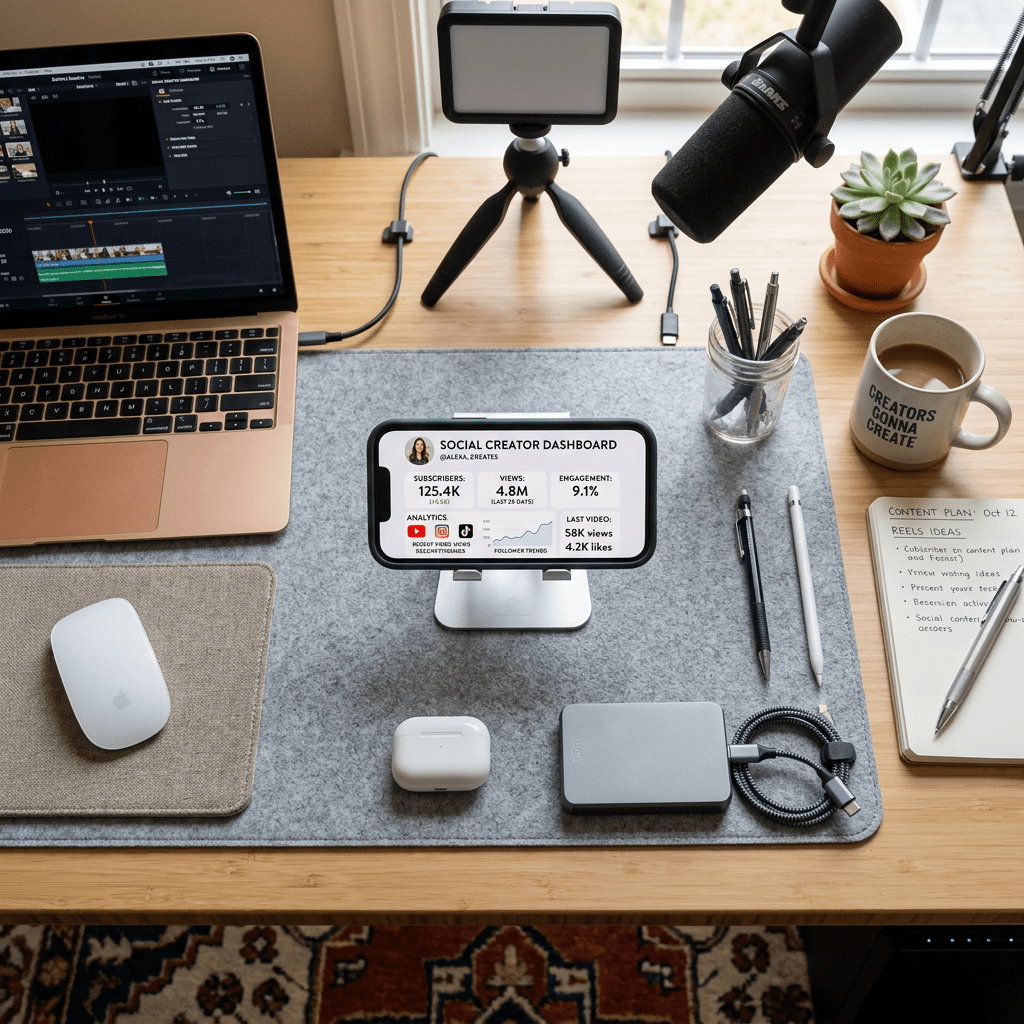
Facebook just turned its old Creator Studio into a standalone AI companion app, and it wants to be the first thing creators open every morning instead of ChatGPT.
Meta announced on Wednesday, June 24, 2026, that it is rebuilding Creator Studio as a separate app with an AI assistant baked into the core of it. The pitch is simple: stop juggling dashboards, third-party tools, and a dozen browser tabs. Ask the assistant what to post, when to post it, and what your audience is actually saying, then act on it.
Here’s the thing. This is not just another feature buried inside the Facebook app. It is a dedicated home base for creators, and the timing tells you exactly what Meta is worried about.
What Facebook actually launched
Creator Studio used to be a web dashboard for managing Facebook Pages. Meta shut it down back in 2023 and pushed everyone toward its broader Business Suite. Now it is back, rebuilt from the ground up as an AI-first app that is currently being tested with a small group of selected creators.
At the center sits the AI creator assistant that Meta first rolled out on June 4, 2026. It gives personalized recommendations based on your content style, your past performance, how your audience engages, and the goals you set. Because it is conversational, you can ask follow-up questions and dig deeper instead of staring at charts trying to decode them.
The whole point, according to Meta’s own announcement, is to show creators exactly how to grow on Facebook in one focused workspace with fewer distractions.
The three features that matter
Strip away the marketing and the app does three concrete things.
1. A conversational assistant that reads your analytics for you. Instead of digging through graphs, you ask plain questions like “When should I post?” or “What are people saying in my comments?” and get a straight answer. You can then ask how your audience has shifted over the last few months, or how to lift reach and engagement. It also brainstorms fresh content ideas by pulling from what is trending.
2. An AI comment tool that drafts replies in your voice. This is the one that will get people talking. The tool surfaces the comments that matter most and drafts replies that sound like you, in your own tone. You review, edit, and approve each one before it posts. Nothing goes out automatically without your sign-off.
3. A daily priorities feed. Open the app each morning and you get a short to-do list: check how your newest post performed, track progress toward your goals, and clear the comments that need a reply. It is built to tell you what to do next instead of leaving you to figure it out.
Why Meta is doing this now
Two reasons, and neither is subtle.
First, attention. Creators are the lifeblood of any social platform, and Facebook is fighting TikTok and YouTube for their time and loyalty. A dedicated app that becomes part of a creator’s daily routine is a sticky way to keep them inside the ecosystem.
Second, Meta would rather you not leave for ChatGPT to brainstorm captions or make sense of your numbers. If the assistant lives right next to your audience data, there is less reason to copy and paste anything into an outside tool. That keeps your workflow, and your data, on Meta’s turf.
This launch also fits a clear pattern. Meta has been shipping standalone apps at a fast clip: a Reddit-style app for Facebook Groups called Forum in May, an Instants app for disappearing photos in April, and a Polymarket-style prediction market internally called Arena that has not launched yet. Mark Zuckerberg has told employees that AI-driven efficiencies let the company build more apps than it used to. The Creator Studio app is one more piece of that strategy.
How to get early access
The app is not open to everyone yet, and Meta has not given a public rollout date. Here is how to put yourself in line for it.
- Go to the Creator Studio entry point. Open the Creator Studio welcome page while logged into the Facebook account tied to your Page.
- Join the waitlist. Facebook is letting creators sign up for early access. Add yourself so you get pulled in when the test group expands.
- Make sure your Page is active. The assistant works off your real content, audience, and performance history. A Page with recent posts and engagement gives it something to actually analyze.
- Set clear goals inside the app once you are in. The recommendations and the daily priorities feed are tied to the goals you choose, so vague goals get you vague advice.
How to actually use it well (once you have it)
An AI assistant is only as good as the questions you bring to it. A few that get useful answers instead of filler:
- “What are my top three best-performing posts this month and what do they have in common?” This turns raw analytics into a repeatable pattern you can lean on.
- “What time are my followers most active, broken down by day?” Posting time is one of the easiest levers to pull, and most creators guess at it.
- “Summarize the main themes in my comments this week.” Comment sections are a free focus group. Most people never read them properly.
- “Draft three replies to my most important comments in my usual tone, and keep them short.” Then edit hard. The draft is a starting point, not a finished reply.
One rule worth setting for yourself: read every AI-drafted reply before it goes out. The tone-matching is the selling point and also the risk. A reply that sounds like you but says something you would never say can quietly erode the trust you spent years building.
The honest caveats
This is genuinely useful for busy creators, but go in clear-eyed.
It is a walled garden. The assistant optimizes for growth on Facebook. That is great if Facebook is your main platform and far less useful if your audience lives on YouTube, TikTok, or your own newsletter. It will not tell you to post somewhere else.
It is still in limited testing. Only select creators have it, there is no firm launch date, and features can change before a wider release. Treat anything you read about it today as a preview, not a final product.
Voice-matched replies can backfire. Automated tone cloning at scale is convenient, but it nudges the relationship between creator and audience toward something more managed and less personal. The approval step exists for a reason. Use it every time.
Dependency is a real cost. The more your content strategy runs through one company’s assistant, the more your reach depends on that company’s priorities. Keep your own judgment sharp and do not outsource the thinking entirely.
What this really means for creators
The bigger story is not one app. It is that the major platforms are racing to put an AI layer between you and your own audience. Facebook wants to handle your analytics, your replies, and your daily plan so you never have to leave. That saves real time, and it also hands Meta a lot of influence over how you create.
If you are a creator, the smart move is to use the tool for what it is good at, which is cutting the busywork, while keeping the parts that make your work yours: the voice, the judgment, and the actual relationship with the people who follow you. Lean on it for the boring stuff. Hold on to the rest.
If you want to compare this with tools built for other platforms, my breakdown of Scrybe for LinkedIn growth and makeAd for AI ad creatives covers the same shift happening across the creator economy.
The platforms now want to write your replies for you. Use the speed, keep your voice, and never let the AI hit send on its own.
Sources
- Facebook rolls out an AI companion app for creators, TechCrunch, June 24, 2026: techcrunch.com
- Introducing the new Facebook Creator Studio, Meta for Creators: creators.facebook.com
- Meta rolls out a new AI creator assistant on Facebook, TechCrunch, June 4, 2026: techcrunch.com
- Meta quietly launches a new Reddit-like app called Forum, TechCrunch, May 22, 2026: techcrunch.com
- Instagram tests a new Instants app for sharing disappearing photos, TechCrunch, April 23, 2026: techcrunch.com
- Mark Zuckerberg wants Meta to launch its own prediction market, TechCrunch, June 23, 2026: techcrunch.com


Leave a Reply