
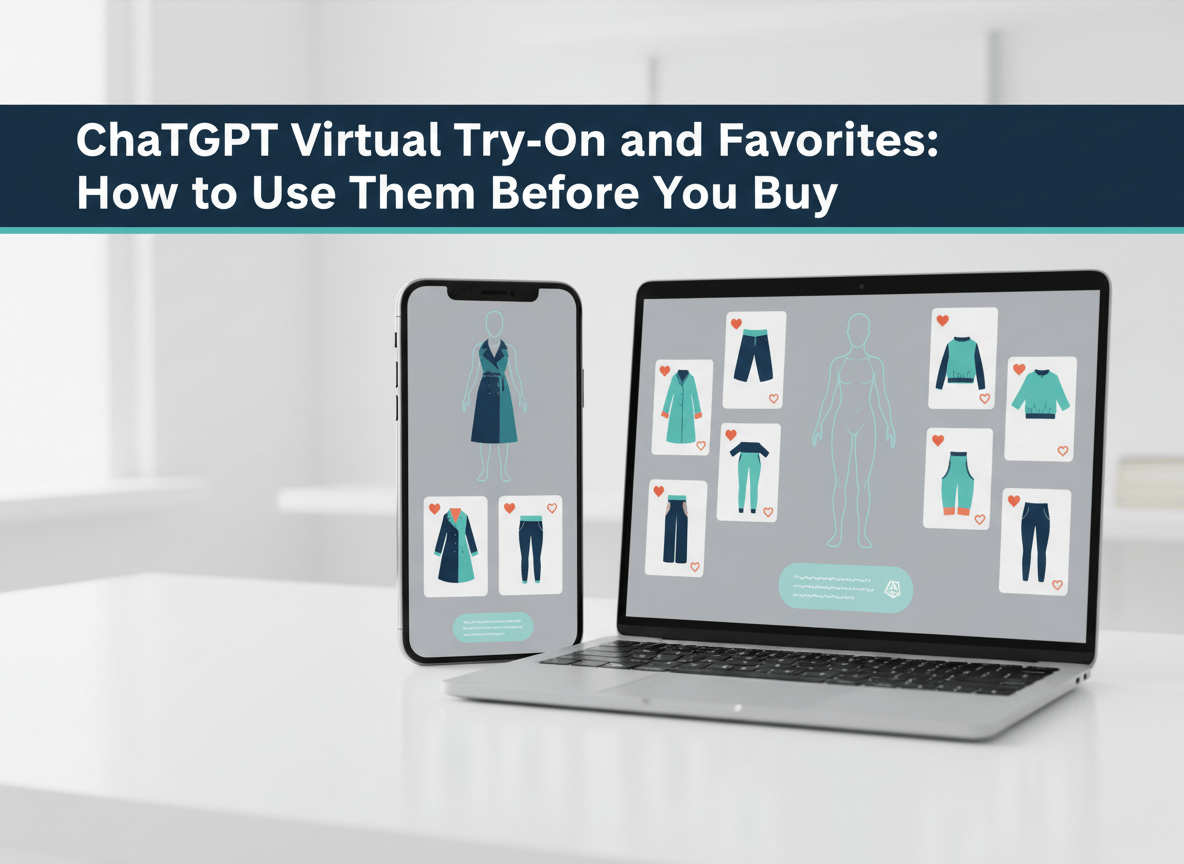
You can now see how a jacket, a pair of sunglasses or a handbag looks on you before you buy it, without leaving ChatGPT. On October 1, 2026, OpenAI launched a Try on button for clothing and accessories, plus a Favorites feature for saving what you find. Here is how to use both, what to double check before you trust a preview, and where the feature falls short.
Online fashion has always had one big gap. You see the item on a model who looks nothing like you, then you guess. This launch tries to close that gap inside the same chat where you already ask for outfit ideas and product comparisons.
What OpenAI Actually Launched
Two features, rolled out globally on mobile and web, according to TechCrunch’s report by Sarah Perez:
- Try on. A button that appears on clothing and accessory listings in ChatGPT’s shopping results. Upload a selfie or a full-body photo and ChatGPT generates an image of you wearing the item.
- Favorites. A bookmark that saves any product to your ChatGPT Library, where you can also sort finds into folders. Saved items sit alongside your try-on images.
The try-on images are made with ChatGPT Images. OpenAI says its newest image model, Images 2.5 (launched September 8), produces more natural lighting and richer textures, and keeps the people in your reference photos more recognizable. Those are OpenAI’s claims. It has not published any accuracy results for clothing previews.
How to Try On Clothes in ChatGPT: Step by Step
This follows OpenAI’s Shopping help page. Button names and layout can shift as the rollout reaches your account, so go by what you see on screen.
- Ask for something to buy. Type a shopping request such as “Find me a navy linen shirt under $60.” ChatGPT shows product cards with images, details and links to the stores.
- Look for the Try on button. It only appears on clothing and accessory listings. Other products will not show it.
- Add your photo. Upload a selfie or a full-body photo. For a jacket or dress, a full-body shot gives the model more to work with. For sunglasses or a hat, a clear selfie is enough.
- Review the generated image. Check it against the merchant’s own photos, not just against how good you look in it.
- Reuse your photo next time. ChatGPT saves your reference photo so you do not have to upload it again for each item.
- Save what you like. Tap the bookmark icon on the product to add it to Favorites.
Photo tips (mine, not OpenAI’s): stand in even light, face the camera, keep the background plain, and wear something fairly fitted. Baggy layers make it harder for any model to place a new garment properly.
Three Ways to Use It Beyond the Button
TechCrunch notes the Try on button is not the only way in. You can also work backwards from an image. Here are three prompts worth pasting in this week:
- Start from a vibe. “I need an outfit for a rooftop dinner in October. Smart casual, earth tones, budget around $150 total. Show me pieces for a full look.”
- Start from a photo. Upload a picture of an outfit you admire and ask ChatGPT to find the pieces that are available to buy. OpenAI says it can do this with celebrity outfit photos too.
- Start from a screenshot. Found a jacket on a site that has no try-on tool? Upload a screenshot and ask ChatGPT to try it on you.
The third one is the sleeper. It turns any store’s product photo into something you can preview, even if that store has never heard of ChatGPT.
How to Use Favorites Like a Real Shopping List
Saving is simple. Using it well takes a little structure.
- Create one folder per goal, such as “Wedding guest,” “Winter coat” or “Gift for Sam.”
- Save three to five options per folder, not twenty. A short list gets decided. A long one gets abandoned.
- Go back to your folder and ask ChatGPT to compare what you saved on price, material and return policy. You will need to check those details with the merchant, but it gives you a clean starting table.
- Delete the losers. A tidy Library is the whole point.
Here’s the thing about Favorites: it quietly moves the “wishlist” from the store to the assistant. That is convenient for you, and very useful for OpenAI. Keep that in mind when you decide what to save.
ChatGPT vs Google: How the Two Try-Ons Compare
Google got here first. It launched try-on with your own photo in the US on July 24, 2025, across Search, Shopping and Google Images. Perplexity added a try-on tool in 2025 too, as RuntimeWire notes, citing TechRadar.
| Feature | ChatGPT | |
|---|---|---|
| Launch | October 1, 2026, announced as global | July 24, 2025, US first |
| Photo needed | Selfie or full-body photo | Full-length photo at launch |
| Where it lives | Shopping results inside ChatGPT, mobile and web | Search, Shopping and Google Images |
| Starting point | A chat: a style description, an outfit photo or an item screenshot | A product listing |
| Saving | Favorites and Library folders, kept with try-on images | Save looks and share them with friends |
The real difference is the starting point. Google starts from a product. ChatGPT can start from a half-formed idea and work toward a product. Whether that is better depends on whether you shop by browsing or by describing.
Your Photo, Your Data: Check These Settings
You are handing an AI a picture of your face or body. Spend two minutes on this before your first try-on.
- Open Settings, then Personalization, then Reference photos. You can change or remove your saved photos there.
- Check Settings, then Data Controls, then Improve the model for everyone. TechRepublic suggests reviewing it before you upload a personal photo.
- Use a photo you would be comfortable having stored. Skip anything with other people, children or identifying backgrounds. Do not upload someone else’s photo without their say-so.
- Delete the reference photo when you are done shopping for the season.
If you want to go further on protecting your information, my guide on finding and removing your exposed personal data covers the other side of the problem.
Before You Buy: A Five Minute Reality Check
The preview shows how something might look. It does not tell you whether it fits. RuntimeWire reports that OpenAI cautions the images may not accurately represent the product or you, and do not guarantee fit or size. So run this check every time:
- Open the merchant’s size chart and compare it with your own measurements.
- Look at the store’s photos on a real model and read the material and fit notes.
- Read the reviews on the merchant’s site. OpenAI’s help page says it does not verify reviews and ratings shown in ChatGPT.
- Confirm the return policy and who pays for return shipping.
- Treat the try-on as a yes or no filter on style. Let the size chart make the final call.
Why OpenAI Is Doing This
This is a second attempt at shopping. In March 2026, OpenAI said it was moving away from Instant Checkout, the feature that let you buy inside ChatGPT, and would focus on product discovery instead. Try on and Favorites fit that plan. They help you decide, then send you to the merchant to pay.
On trust, OpenAI’s help page says product results are selected independently by ChatGPT and are not ads or influenced by OpenAI partnerships. That is OpenAI’s statement. It is worth reading alongside my post on how ChatGPT ads just changed, because the line between shopping results and paid placements is something to keep watching.
For a sense of demand, eMarketer cites Ryder data showing 31% of digital shoppers who use AI shopping tools have already used virtual try-on or visualization tools.
Honest Limitations
- Visual preview, not a fitting. It cannot show how fabric drapes or how a size feels.
- No accuracy data. OpenAI has not published benchmarks for garment fidelity, body representation or sizing, per RuntimeWire.
- Unknown coverage. OpenAI has not said how many products support Try on or which retailers are eligible. Expect some listings to have no button.
- Clothes and accessories only. OpenAI’s help page says the button appears on listings for those two categories, so do not expect it on other products.
- No proof it helps you buy better. No usage, conversion or return-rate numbers have been shared.
- Plan and rollout details are thin. OpenAI describes a global launch, but check your own app to see whether the button has reached you yet.
- Your photo is stored. That is a trade-off, even with the delete option.
Who Should Try It This Week
If you buy clothes or accessories online and return more than you would like, run one test. Pick an item you are already considering, try it on, then check it against the size chart and the merchant’s photos. If the preview matches what you expected, use it as a style filter. If it looks off, you have learned something for free.
If you are uneasy about uploading photos to an AI tool, you can still use ChatGPT for the shopping half of this. Describe a style, compare options and save finds to Favorites, then skip Try on and rely on the merchant’s photos.
Know someone who has a pile of returns by the front door? Send them this post before their next cart.
Sources and further reading
- TechCrunch / Sarah Perez, ChatGPT can now virtually try on clothes for you (October 1, 2026).
- OpenAI Help Center, Shopping with ChatGPT Search.
- OpenAI, Introducing ChatGPT Images 2.5 (September 8, 2026).
- RuntimeWire / Ryan Merket, OpenAI adds virtual try-ons to ChatGPT’s shopping results (October 1, 2026).
- TechRepublic, OpenAI Launches Virtual Try-On for Clothes and Accessories in ChatGPT.
- eMarketer, ChatGPT adds virtual try-on and saved products to its shopping tools.
- TechCrunch / Lucas Ropek, OpenAI’s plans to make ChatGPT more like Amazon aren’t going so well (March 24, 2026).
- TechCrunch / Aisha Malik, Google’s new AI feature lets you virtually try on clothes (July 24, 2025).


Leave a Reply