
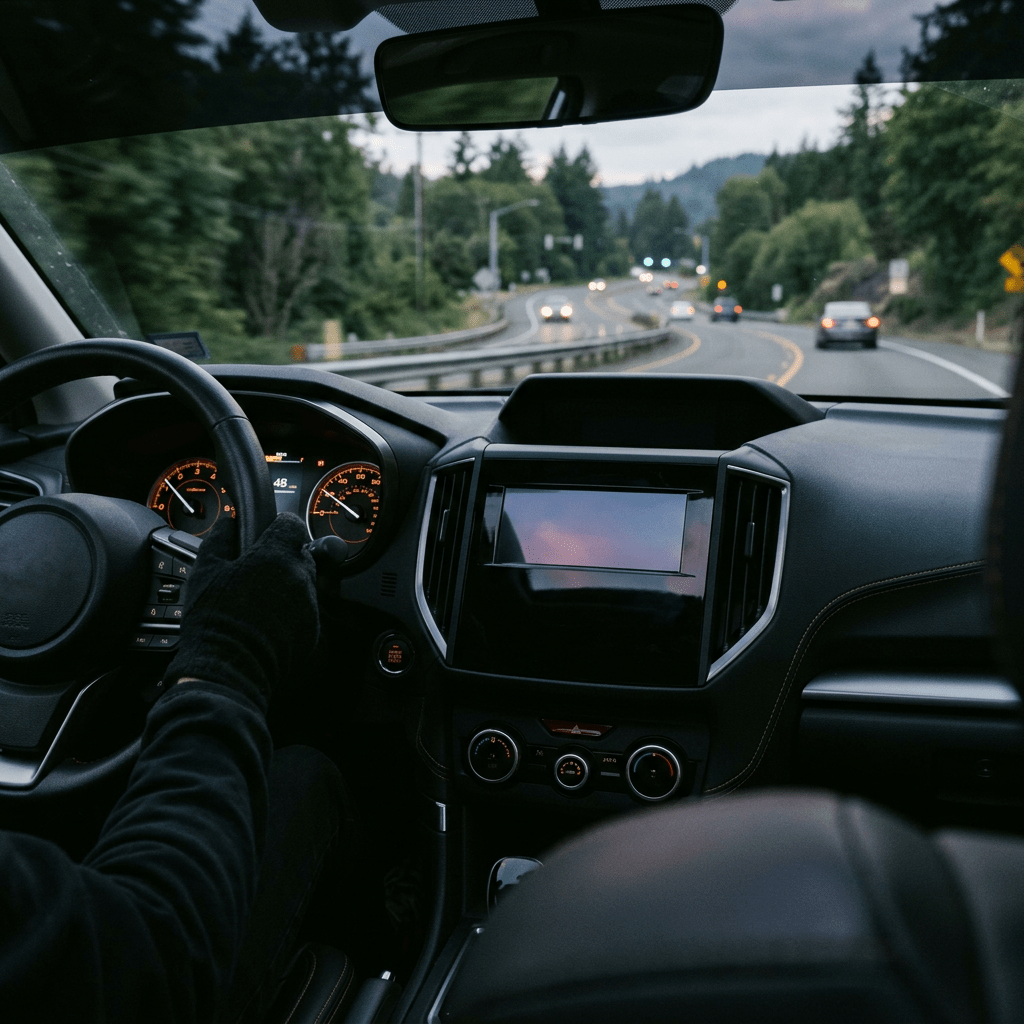
WhatsApp rolled out four updates on July 22, 2026, and together they fix some of the most annoying gaps in the app: a CarPlay experience that used to be half broken, no way to sign up on an iPad without a phone nearby, no way to open a PDF without downloading it first, and a Status that never said much about you. Here’s exactly what changed and how to use each one.
Here’s the thing about WhatsApp updates lately. They rarely show up alone. This one landed alongside a batch of smaller changes, but four of them are worth your actual attention: a completely refreshed CarPlay and Android Auto experience, direct account sign-up from an iPad, in-chat PDF editing built with Adobe Acrobat, and the ability to share a song from Apple Music or Spotify straight to your Status.
Let’s break down what each one does, why it took this long, and where the update still falls short.
What Actually Changed
- CarPlay and Android Auto: you can now hear and reply to messages by voice, make calls, check call history, and reach favorite contacts, all from your car’s screen.
- iPad sign-up: you can create a standalone WhatsApp account directly on an iPad instead of linking it to an existing phone.
- PDFs in chat: open a PDF without downloading it, then highlight and annotate it right inside the conversation, on web and desktop.
- Music on Status: share what you’re playing on Apple Music or Spotify directly to your WhatsApp Status.
WhatsApp says all four are already rolling out and framed the update around one idea: the app should work wherever you already are, not just on the phone in your pocket.
CarPlay and Android Auto Finally Do More Than Compose and Call
Before this update, WhatsApp inside CarPlay let you do exactly two things: write a message and place a call. Everything else meant picking up your phone, which is the whole problem CarPlay and Android Auto exist to solve in the first place.
The refreshed version closes that gap. Once it reaches your car, you get:
- Messages read aloud and voice replies, so you never look at a screen to respond.
- Outgoing and incoming calls placed directly from the car display.
- A visible call history, so you can see who you missed without touching your phone.
- Quick access to favorite contacts, pinned right on the dashboard interface.
To use it: update WhatsApp on your phone to the latest version, then plug in or wirelessly connect to CarPlay or Android Auto as usual. There’s no separate app to install and nothing to toggle on. If your phone has the update, WhatsApp should already show the new options the next time you’re connected.
How to Sign Up for WhatsApp Directly From an iPad
WhatsApp for iPad launched last year, but it only worked as a companion to a phone you already had WhatsApp on. That was the biggest complaint WhatsApp says it heard afterward, and it’s the one this update fixes.
- Download or update the WhatsApp app on your iPad from the App Store.
- Open the app and choose the option to create a new account rather than linking an existing one.
- Enter a phone number. You still need one, since WhatsApp uses it to send a one time passcode for verification.
- Enter the code once it arrives and finish setting up your profile.
Once that’s done, the iPad runs as its own standalone account instead of a companion device tied to your phone. That distinction matters if you’ve ever wanted a tablet-only WhatsApp account for a kid, a shared family iPad, or a work tablet that shouldn’t be chained to your personal number.
PDFs You Can Mark Up Without Ever Downloading Them
Anyone who has ever opened a WhatsApp chat, downloaded a PDF, opened it in a separate app, marked it up, saved it, and then sent it back knows how many steps that is for something that should take ten seconds.
The new version, built with Adobe Acrobat and currently available on web and desktop, lets you open a PDF straight inside the chat window. From there you can highlight text and add annotations without leaving the conversation or touching a download folder. It is not a full editing suite. Think markup, not redlining a contract.
Sharing What You’re Listening to on Status
This one is the smallest change but probably the most fun. Connect Apple Music or Spotify, pick a track, and share it to your Status in a couple of taps. Friends see what you’re playing the same way they’d see a photo or a text update.
It’s a small feature copied from a pattern that’s existed on other apps for years, but it gives Status a reason to be more than a place to post the occasional selfie.
CarPlay: Before vs. Now
| What You Could Do | Before This Update | After This Update |
|---|---|---|
| Compose a message | Yes | Yes |
| Place a call | Yes | Yes |
| Hear and reply to messages by voice | No | Yes |
| View call history | No | Yes |
| Access favorite contacts from the dashboard | No | Yes |
Where This Fits Into WhatsApp’s Bigger Push
None of these four features exist in a vacuum. WhatsApp spent the past month letting people reserve usernames so they can stop sharing their phone number with every new contact, and before that, it rolled out Advanced Chat Privacy to lock down sensitive conversations. Add this week’s update, and the pattern gets easier to read: WhatsApp is trying to become the default communication layer across every device you own, not just the app you check on your phone at a stoplight.
The Honest Limitations
- You still need a phone number. The iPad sign-up removes the requirement to link to another phone, but registration still runs through a phone number and a one time passcode. It hasn’t gone away, it’s just no longer tied to a companion device.
- PDF editing is web and desktop only, for now. There’s no word yet on when, or if, the feature reaches mobile.
- The rollout is gradual. WhatsApp says these features are “already rolling out,” which in past updates has meant weeks before everyone sees them, and longer in some countries than others.
- CarPlay and Android Auto still depend on your car’s hardware. Older infotainment systems or a weak Bluetooth connection can affect how reliably voice replies come through.
The Bottom Line
Individually, none of these four updates would justify their own headline. Together, they read as WhatsApp quietly closing the gap between “app on your phone” and “the way you actually communicate across a car, a tablet, and a desktop.” If you drive with CarPlay or Android Auto, update WhatsApp today. If you’ve been waiting to hand a family iPad its own WhatsApp identity, this is the moment to do it.
If someone you know still fumbles with their phone at every red light just to answer a WhatsApp message, send them this. Their car has been ready for this update longer than WhatsApp was.
Sources and further reading
- WhatsApp Blog, New Feature Roundup: Sign up on iPad, WhatsApp in your car, and more
- TechCrunch, WhatsApp adds Apple CarPlay and Android Auto upgrades, iPad sign-ups, and more
- MacRumors, WhatsApp Announces New CarPlay Experience, iPad Sign-Up, and More
- Engadget, You can now sign up for a WhatsApp account from an iPad
- Adobe Blog, Acrobat brings powerful PDF workflows to WhatsApp


Leave a Reply