
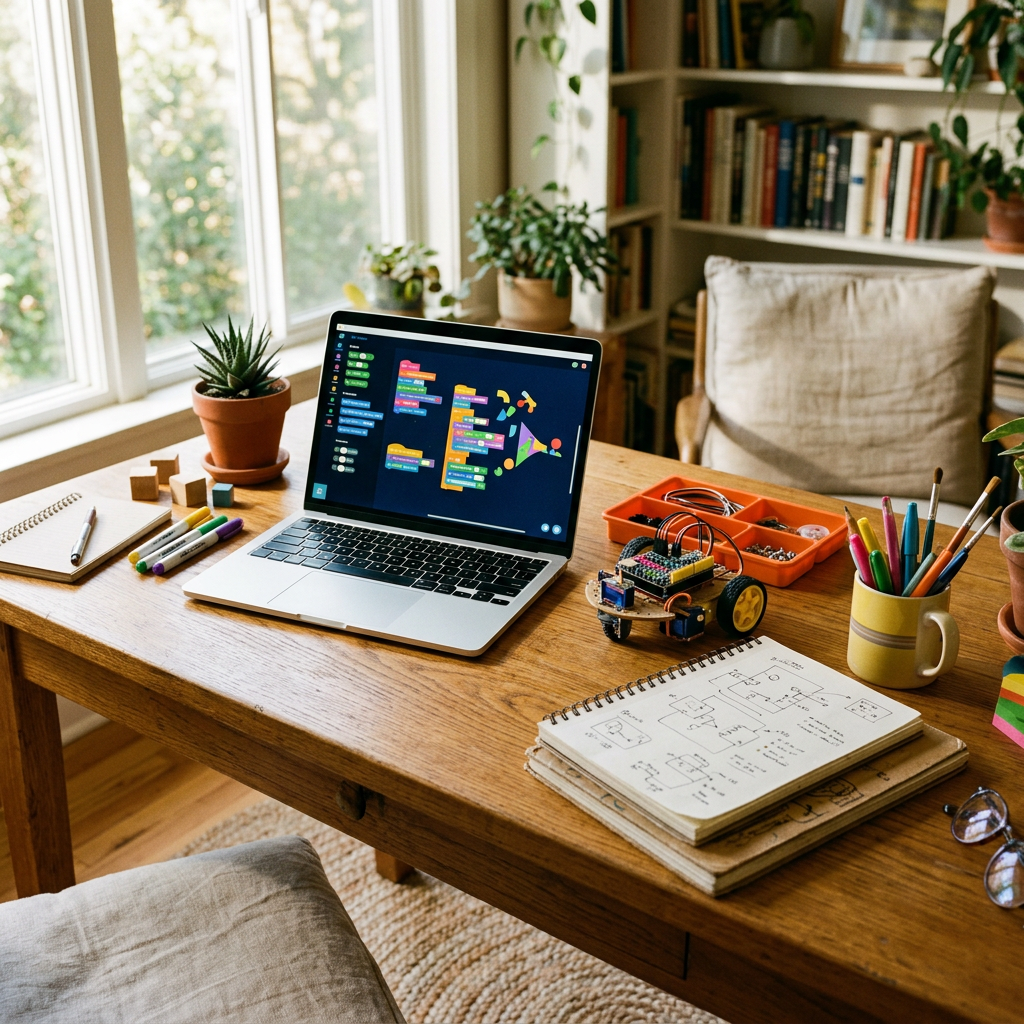
Five websites let your kid go from dragging code blocks around a screen to training an actual AI model, and all five cost nothing to start. Most parents have heard of one of them.
Here’s the thing. “Teach your kid to code” has been a parenting to-do list item for over a decade now, but the tools available for it have changed a lot in the last year or two. It’s not just about coding anymore. Kids can now train machine learning models, build AI-powered games, and understand how the systems they already use every day actually work. And they can do it for free, on a laptop or tablet you already own.
Below are five sites worth trying, in the order I would actually introduce them to a kid, along with what each one really costs, who it is genuinely built for, and a few honest gaps you should know about before you dive in.
1. Scratch: the one every kid should start with
Scratch, built by the MIT Media Lab and now run by the nonprofit Scratch Foundation, is still the most sensible first stop for any kid learning to code. It uses block-based programming, meaning your child snaps together labeled puzzle pieces instead of typing syntax, so there is no missing semicolon to trip them up. That makes it forgiving in a way text-based languages simply are not for a first-timer.
What makes Scratch stick isn’t the coding mechanics though. It’s the community. Kids can browse millions of projects other kids have shared, remix ones they like, and publish their own. A ten-year-old who builds a simple cat-and-mouse game can watch other kids play it, comment on it, and build their own version of it. That feedback loop is what turns “coding homework” into something a kid actually wants to come back to.
- Go to Scratch and click Create. No account is required to try the editor.
- Browse a few Starter Projects first so your kid sees what is possible before building from scratch.
- Make a free account only when they want to save work or publish a project publicly.
- Encourage remixing existing projects before original ones. It teaches how code is structured faster than a blank canvas does.
2. Code.org, now called CodeAI
Quick correction before you type the URL. Code.org rebranded to CodeAI in June 2026. The site still lives at the same address, every login and saved course carries over, and nothing your kid has already built disappears. The organization just renamed itself to match what it teaches now, which has shifted from pure computer science toward what it calls digital fluency: coding, AI literacy, and data science together.
The numbers have grown too. CodeAI now reports reaching over 150 million students and 3 million teachers worldwide, well past the 90 million figure floating around in older videos and roundups. The famous Hour of Code activity, the one-hour intro built around Minecraft, Frozen, and Star Wars themes, is now called Hour of AI, and it has already reached 33 million students under the new name.
For your kid, the actual experience barely changes. Short, gamified lessons. Drag-and-drop blocks that gradually introduce real syntax. Instant visual feedback when their code runs. Access for students and teachers is still completely free, which the organization has explicitly promised will not change with the rebrand.
- Go to code.org and click Students, then filter by age rather than grade.
- Start with an Hour of Code or Hour of AI activity. These need no account and take about an hour.
- Create a free account only if your kid wants progress saved across multiple sessions.
- Once they finish a beginner course, look at AI Discoveries for middle schoolers or AI Foundations for high schoolers.
3. Teachable Machine by Google: the fastest way to a first AI project
If you only try one thing from this list with your kid this weekend, make it this one. Teachable Machine, built by Google Creative Lab, lets a child train a real machine learning model in the browser with zero code and zero account required. Everything runs locally on your device. Nothing gets uploaded anywhere unless your kid chooses to save it.
The setup is almost stupidly simple. Your kid picks a project type, image, sound, or pose. They show the webcam or microphone a handful of examples for each category they want the model to recognize, click train, and within a couple of minutes the model starts guessing correctly in real time. Two stuffed animals, two hand gestures, two different claps, any pair of things works. What this really means for a kid is watching the exact moment a computer goes from clueless to correct, based entirely on examples they gave it themselves.
That moment is worth more than an hour of reading about what AI is. It is also the clearest, safest way to explain a hard concept: the model only knows what you showed it, and it will happily be wrong about everything else. That single idea covers most of what a kid needs to understand about how AI actually works, long before they are old enough for a deeper conversation about bias and training data.
- Open Teachable Machine in any browser, no sign up needed.
- Pick Image Project for the simplest first try.
- Add two classes, label them, and capture at least 20 to 30 examples of each using the webcam.
- Click Train, then test it live and watch your kid react when it works.
4. Machine Learning for Kids: where the AI training turns into a real project
Machine Learning for Kids, built by Dale Lane, bridges the gap between the quick win of Teachable Machine and something a kid can actually finish and show off. It is free, it plugs directly into Scratch, and it also supports Python and App Inventor for older kids who have outgrown block coding.
The flow is similar to Teachable Machine at the start. Your kid trains a model, this time on text, numbers, images, or sound, using the site’s guided worksheets. The difference is what happens next. Instead of just testing the model in isolation, they drag it straight into a Scratch project. A common first build is a game character that reacts to what the webcam sees, or a chatbot that responds differently based on how a sentence is worded. There are also free, ready-made lesson plans for teachers, which makes this a strong pick if you are homeschooling or supplementing a school curriculum.
- Visit Machine Learning for Kids and create a free account, since projects need to save.
- Pick a starter worksheet rather than a blank project for the first attempt.
- Train the model on text or images depending on what your kid is more interested in.
- Open the matching Scratch project template and plug the trained model straight in.
5. Tynker: the paid one worth knowing about anyway
Here is a correction worth making clearly. Tynker gets grouped into free coding sites often, including in the video this post is based on, but it does not have a permanent free plan for home use. You can try a limited set of starter lessons and a 7-day free trial, but the full library, including the Minecraft modding and the AI elective course that make Tynker worth mentioning at all, sits behind a paid subscription running roughly 15 to 28 dollars a month depending on the plan and billing term, with a lifetime option available too.
That does not make it a bad choice. It just means you should budget for it rather than expect it to stay free past the trial. What you get for the money is real: over 5,000 lessons, a smoother beginner-to-Python progression than most free tools offer, and themed tracks built around Minecraft and Roblox that keep reluctant coders engaged far longer than a plain tutorial would. If your kid’s school already has a Tynker license, check with the teacher first. Some schools offer free access to students through their own subscription.
- Go to tynker.com and start the free trial rather than paying upfront.
- Let your kid take the placement quiz so lessons match their age and skill level.
- Try the Minecraft modding track first. It tends to hook reluctant kids fastest.
- Decide before day 7 whether it is worth subscribing, since trials can convert automatically.
Quick comparison: which one fits your kid
| Site | Best age | Real cost | What it actually teaches |
|---|---|---|---|
| Scratch | 8 to 16 | Free, no catch | Block-based coding logic and creative storytelling |
| Code.org / CodeAI | Pre-K to 12 | Free for students and teachers | Guided coding fundamentals plus AI literacy |
| Teachable Machine | 8 and up | Free, always, no account | Training real AI models with images, sound, or poses |
| Machine Learning for Kids | 10 and up | Free | Building ML models that plug into Scratch or Python projects |
| Tynker | 5 to 18 | Free trial, then paid | Guided coding path with Minecraft modding and intro AI |
Honest limitations
- None of these sites replace a structured computer science course if your kid wants to go deep. They are entry points, not a full curriculum.
- Teachable Machine and Machine Learning for Kids are closer to sandboxes than guided courses. Kids who need more hand-holding may lose interest without an adult nearby for the first session or two.
- Code.org’s shift toward AI content under the CodeAI name means the site looks different from screenshots in older tutorials and videos. Expect some layout and course-naming changes if you used it a year or two ago.
- Tynker is the only tool on this list that is not actually free past the trial. Go in expecting a subscription if your kid wants the full library.
- None of these tools substitute for talking to your kid about how AI models get trained and where their data goes. Teachable Machine keeps everything local in the browser, but that is not true of every AI tool they will run into later.
How to actually start this week
- Day 1: Sit down together and do one Hour of Code or Hour of AI activity on Code.org. About ten minutes, no login needed, just testing the water.
- Day 2 or 3: Open Scratch and let your kid browse a couple of remixed projects before building one of their own.
- That weekend: Try Teachable Machine together. Train a model that tells apart two toys or two hand gestures. This is usually the moment a kid says, wait, I taught the computer that?
- The following week: If they are hooked, move to Machine Learning for Kids for a guided project, or start a Tynker trial if Minecraft modding is the hook that will actually work on them.
If your kid outgrows all five of these in a couple of years, the free tools do not stop there either. Once they land a school email address, our rundown of premium AI tools students can get free with a .edu email covers the next stage, from coding copilots to design software.
Your kid does not need a coding bootcamp to start understanding AI. They need ten free minutes and a website that does not ask for a credit card.


Leave a Reply